The Ultimate Guide to SaaS Release Notes (Examples, Templates & Best Practices) | Announcify
guides11 min read
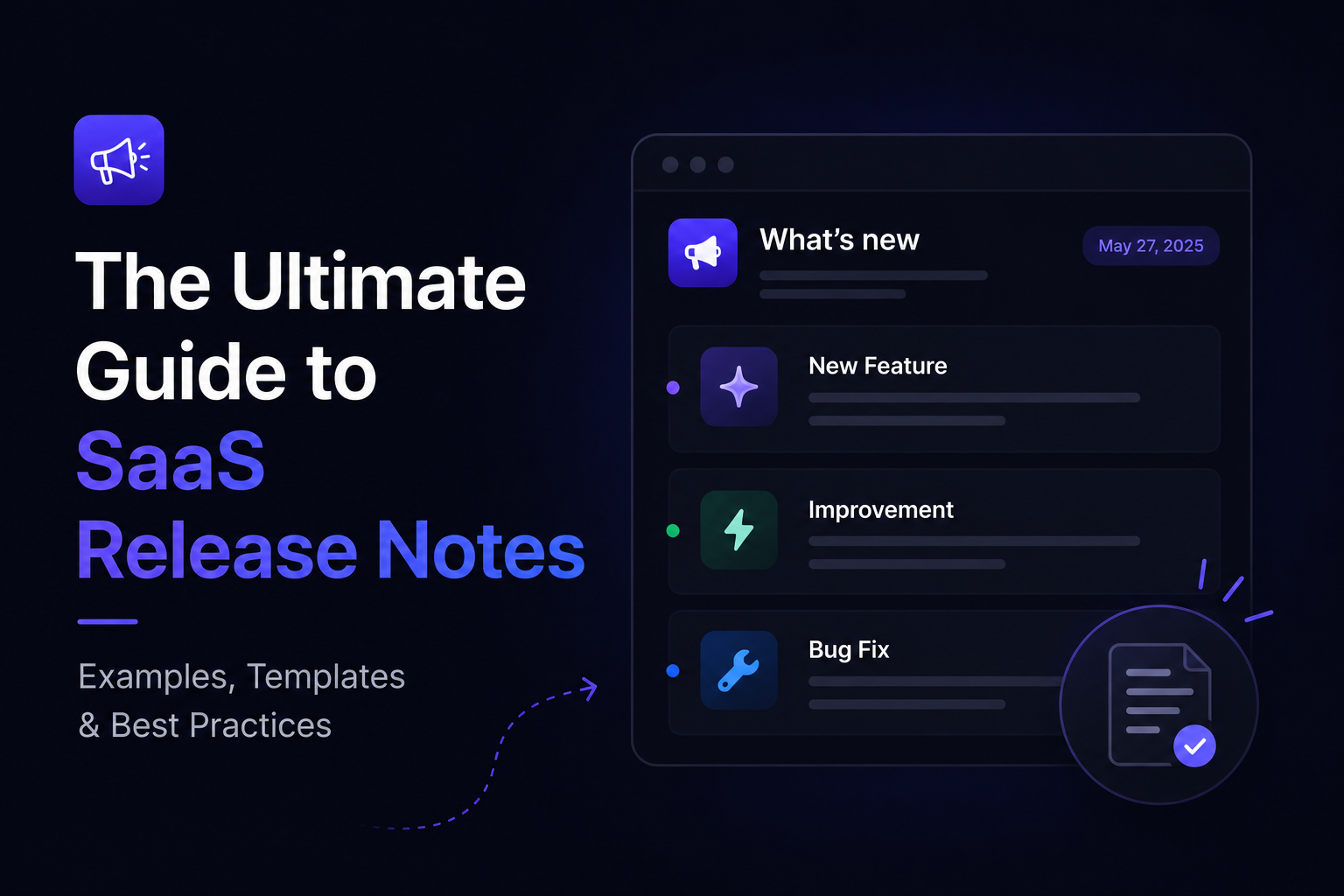
The Ultimate Guide to SaaS Release Notes (Examples, Templates & Best Practices)
Jul 25, 2026
Ahmed Errami
Introduction
Shipping a feature is only half the job.
The other half is making sure your users know it exists.
That's where release notes come in.
Too many SaaS companies spend weeks building new features, only to announce them with a single sentence like:
"Added dark mode."
While technically accurate, it doesn't tell users why the update matters or how it improves their experience.
Great release notes do much more than document changes.
They help users discover new features, encourage adoption, reduce support requests, build trust, and remind customers that your product is constantly improving. In many cases, they're one of the easiest ways to increase the perceived value of your SaaS without writing a single line of new code.
Whether you're a solo founder shipping every week or a product team managing releases across multiple products, learning how to write effective release notes is a skill that pays dividends over time.
In this guide, you'll learn:
What SaaS release notes are (and how they're different from a changelog)
Why release notes matter for user engagement and retention
The essential elements every release note should include
Where and how often you should publish release notes
By the end of this guide, you'll know how to write release notes that don't just announce new features—they help users understand, adopt, and appreciate them.
Because the best feature in your product is the one your customers actually discover.
What Are Release Notes?
Release notes are short, user-focused updates that explain what's new in your product after each release.
They bridge the gap between your development team and your customers by answering three simple questions:
What's new?
Why does it matter?
How do I use it?
Every time you ship a new feature, improve an existing workflow, fix an important bug, or release a new integration, your release notes help users understand the value of those changes.
Without release notes, many customers never discover the improvements you've worked hard to build.
Release Notes vs. Changelog
Although the terms are often used interchangeably, they aren't exactly the same.
A changelog is the complete history of updates to your product. Think of it as a timeline that records every significant release.
Release notes are the individual announcements within that changelog. Each release note focuses on a specific update or release and explains it in a way that's easy for customers to understand.
For example:
Changelog: A page containing every product update you've ever published.
Release note: A single announcement introducing your new GitHub integration.
In other words, your changelog is the collection, while release notes are the stories inside it.
What Should Release Notes Include?
The best release notes are concise, practical, and written from the user's perspective.
Instead of describing technical implementation details, focus on the outcome.
A good release note typically includes:
A clear title
A short summary of the update
Why the change matters
Who benefits from it (if applicable)
Screenshots or GIFs for major features
Links to documentation or setup guides
If a customer can read your update in under a minute and immediately understand why it's valuable, you've done your job.
Who Should Write Release Notes?
In many SaaS companies, release notes are a collaborative effort.
Depending on the size of your team, they may be written by:
Founders
Product managers
Customer success teams
Marketing teams
Engineers (with editorial review)
For indie founders and small startups, the founder usually writes the first draft because they understand both the problem the feature solves and the customers who will use it.
As your company grows, the process often becomes more collaborative—but the goal stays the same:
Help customers discover and understand the value of every update you ship.
Why Release Notes Matter
It's easy to think of release notes as an administrative task—something you publish after shipping a feature because every SaaS company has a changelog.
In reality, they're one of the simplest ways to improve the customer experience.
Every release is a chance to remind users that your product is evolving, help them discover features they might otherwise miss, and reinforce the value they're getting from your product.
Here are some of the biggest benefits of writing great release notes.
Increase Feature Adoption
One of the biggest challenges in SaaS isn't building features—it's getting customers to use them.
Users are busy. They rarely log in hoping to discover what's new.
Release notes introduce new features at the right time and explain how they solve real problems. The easier you make it for customers to understand a feature, the more likely they are to adopt it.
Improve Customer Retention
Customers who regularly see meaningful improvements are more likely to stay engaged with your product.
Even small updates communicate that your team is actively listening, fixing issues, and investing in the future of the product.
Over time, this creates confidence that the software they're paying for continues to improve.
Reduce Support Requests
Good release notes answer questions before they're asked.
Instead of customers contacting support to ask how a new feature works, they can learn directly from your announcement through explanations, screenshots, or links to documentation.
This saves time for both your team and your users.
Build Trust Through Transparency
Customers appreciate knowing what's happening behind the scenes.
Whether you're introducing a major feature, improving performance, or fixing long-standing bugs, sharing those updates publicly demonstrates that you're committed to making the product better.
Transparency builds credibility, especially with long-term customers.
Create Marketing Opportunities
Release notes aren't just for existing customers.
Every product update can become:
A blog post
A social media update
An email newsletter
A LinkedIn post
A Reddit or Indie Hackers discussion
A short product demo
Instead of creating marketing content from scratch, you can repurpose the work you've already done into multiple pieces of content.
Improve Your SaaS SEO
Publishing release notes consistently creates fresh, relevant content for your website.
Over time, your release notes can help you:
Target long-tail feature-related keywords
Build topical authority around your product
Create internal linking opportunities
Give search engines more pages to crawl and index
While release notes alone won't transform your SEO overnight, they become a valuable part of a broader content strategy.
Keep Customers Excited About Your Product
An active product feels alive.
When customers see regular improvements, they know your product isn't standing still.
That momentum matters.
Even if someone doesn't need today's feature, they'll remember that your team is continuously shipping, improving, and responding to feedback.
Over time, that perception strengthens customer loyalty and makes your product more difficult to replace.
The best release notes don't just document what changed—they remind customers why they chose your product in the first place.
What Makes Great Release Notes?
Not all release notes are worth reading.
Some are nothing more than technical changelogs copied from Git commits:
Fixed issue #2841.
Improved backend performance.
While these updates may be useful internally, they don't tell customers why they should care.
The best SaaS companies write release notes from the user's perspective. Instead of focusing on what the engineering team changed, they focus on the problem that was solved and the value delivered.
Here are the characteristics of release notes that users actually read.
1. Start with a Clear, Descriptive Title
Your title should immediately communicate what's new.
Compare these examples:
❌ Version 2.8 Released
❌ New Update
✅ Custom Domains Are Now Available
✅ Export Reports to Excel in One Click
A specific title helps users quickly decide whether the update is relevant to them.
2. Explain the Benefit Before the Feature
One of the biggest mistakes founders make is describing what they built instead of why it matters.
Instead of writing:
We've added role-based permissions.
Write:
You can now assign different permission levels to team members, making it easier to manage larger teams securely.
The feature tells users what changed.
The benefit tells them why they should care.
Always lead with the outcome.
3. Keep It Short and Scannable
Most users don't read release notes word for word.
They scan.
That's why your updates should be easy to digest.
A good structure looks like this:
A clear title
A short introduction
Two or three concise paragraphs
Bullet points where appropriate
A screenshot or GIF for major features
If readers can understand the update in less than a minute, you're on the right track.
4. Use Plain Language
Avoid technical jargon whenever possible.
Your customers don't need to know that you:
Refactored the authentication middleware
Optimized SQL queries
Migrated to a new caching layer
They care about the result.
Instead of explaining the implementation, explain the improvement:
Pages load faster.
Search returns results more quickly.
Login is more reliable.
File uploads are now twice as fast.
Write for customers—not engineers.
5. Show, Don't Just Tell
Whenever you're introducing a visual feature, include an image, GIF, or short video.
Visuals help users understand new functionality much faster than text alone.
Consider adding:
Screenshots
Animated GIFs
Short demo videos
Before-and-after comparisons
If users can see the feature in action, they're much more likely to try it.
6. Link to Helpful Resources
Some features need more explanation than a release note can provide.
That's perfectly fine.
Instead of making the announcement longer, link to:
Documentation
Help center articles
Tutorials
Video walkthroughs
Setup guides
This keeps your release notes concise while giving curious users everything they need.
A consistent stream of meaningful updates builds confidence that your product is actively maintained.
A Simple Formula You Can Reuse
Whenever you're writing release notes, use this four-step formula:
What's new?
Why does it matter?
Who benefits from it?
How can users start using it?
If you answer those four questions clearly and concisely, your release notes will be useful for both new and existing customers.
After all, great release notes aren't measured by how much they explain.
They're measured by how quickly users understand the value of your latest update.
Release Notes Template
Now that you know what makes great release notes, let's put those principles into practice.
The following template works well for most SaaS releases. Whether you're announcing a major feature, an integration, or a small improvement, you can use this structure as a starting point.
The Simple Release Notes Template
# [Feature Name]

## What's New

Briefly explain what you've released.

Focus on the feature itself before diving into the details.

## Why It Matters

Explain the problem this feature solves and the value it provides to users.

## How to Use It

Give users a simple explanation of where they can find the feature and how to get started.

## Learn More

Link to documentation, tutorials, or help articles if additional setup is required.
This template keeps every announcement focused on the questions users actually care about instead of technical implementation details.
Example: Poor vs. Great Release Notes
Let's compare two versions of the same announcement.
❌ Poor Example
Added Custom Domains.
That's technically correct—but it leaves users with several unanswered questions.
What are custom domains?
Why should I use them?
Where can I enable them?
Now compare it to this version.
✅ Better Example
Custom Domains Are Now Available
You can now use your own domain (such as updates.yourcompany.com) for your public changelog.
This makes your product updates feel like a seamless part of your brand while building more trust with customers.
To get started, open Project Settings → Custom Domains, add your domain, and follow the DNS instructions.
Need help? Check out our setup guide.
Both announcements describe the same feature.
The second one explains the benefit, tells users where to find it, and gives them a clear next step.
Templates for Different Types of Releases
Not every update is a major feature launch.
Here are a few templates you can adapt depending on what you're announcing.
New Feature
# [Feature Name]

We're excited to introduce **[Feature Name]**.

With this update, you can now [primary benefit].

You can find it in [location].

We'd love to hear your feedback!
Improvement
# Improved [Feature]

We've made several improvements to [feature].

Here's what's changed:

- Improvement one
- Improvement two
- Improvement three

These changes make [outcome].
Bug Fix
# Bug Fixes & Improvements

This release focuses on stability and performance.

We've fixed:

- Issue one
- Issue two
- Issue three

Thanks to everyone who reported these issues.
New Integration
# New Integration: [Tool Name]

You can now connect your account with **[Tool Name]**.

This integration allows you to [main benefit].

To enable it, visit **Settings → Integrations**.
A Quick Checklist Before You Publish
Before hitting Publish, ask yourself these questions:
✅ Does the title clearly describe the update?
✅ Have I explained why users should care?
✅ Is the language simple and free of technical jargon?
✅ Have I included screenshots or GIFs for visual features?
✅ Have I linked to documentation when needed?
✅ Can someone understand this update in under a minute?
If you answered yes to each question, your release notes are ready to go.
Remember, the goal isn't to write the longest announcement.
It's to help users quickly understand what's new—and encourage them to try it.
12 SaaS Release Notes Examples
Reading best practices is helpful.
Seeing them applied by real SaaS companies is even better.
Below are examples of effective release notes from well-known SaaS products. As you read through them, pay attention to how each company communicates the value of an update—not just the feature itself.
1. Linear — Clear and Concise
What they do well
Linear publishes short release notes that are easy to scan. Instead of overwhelming users with long paragraphs, each update focuses on one improvement at a time.
Why it works
Clear headings
User-focused language
Short paragraphs
Consistent publishing schedule
Takeaway
Keep your release notes concise. Users should understand an update in less than a minute.
2. Notion — Focus on Customer Value
Notion rarely explains implementation details.
Instead, every announcement answers one question:
"How does this help me work better?"
Whether they're introducing AI features or small workflow improvements, the emphasis is always on outcomes.
Takeaway
Talk about benefits before features.
3. Slack — Use Visuals
Slack frequently includes screenshots, GIFs, and illustrations to demonstrate new functionality.
This makes updates easier to understand without requiring users to read long explanations.
Takeaway
Whenever possible, show the feature instead of only describing it.
4. GitHub — Organize Related Updates
GitHub often groups multiple improvements into categories such as:
New features
Improvements
Bug fixes
This structure helps users quickly find the updates that matter most to them.
Takeaway
Use headings to make long release notes easier to scan.
5. Figma — Tell Users Why an Update Matters
Instead of announcing a feature in isolation, Figma explains the problem it solves and how it improves existing workflows.
That context makes every announcement feel more valuable.
Takeaway
Don't assume users immediately understand why a feature is important.
Explain the benefit.
6. Vercel — Keep Technical Topics Accessible
Vercel serves a technical audience, but its release notes remain approachable.
Even when discussing infrastructure improvements, the focus stays on developer outcomes rather than implementation details.
For example:
Instead of:
We've optimized deployment pipelines.
They explain:
Deployments are now faster and more reliable.
Takeaway
Translate technical work into user benefits.
7. Loom — Announce Features with Real Use Cases
Loom often introduces new features through practical scenarios.
Rather than simply listing capabilities, they explain how people can use them in their daily workflow.
This helps customers immediately picture themselves using the feature.
Takeaway
Examples are often more persuasive than descriptions.
8. ClickUp — Link to Additional Resources
Some features require more explanation than a release note can provide.
ClickUp solves this by keeping announcements short while linking to documentation, videos, and help articles for users who want to learn more.
Takeaway
Your release notes should introduce a feature—not replace your documentation.
9. Framer — Maintain a Consistent Voice
Framer's release notes feel like they're written by the same person every time.
They're friendly, concise, and focused on helping users rather than marketing to them.
That consistency makes updates enjoyable to read.
Takeaway
Develop a writing style that's consistent across every announcement.
10. Raycast — Publish Frequently
Raycast ships small improvements on a regular basis instead of waiting for huge releases.
This creates the impression of a product that's constantly evolving.
Takeaway
You don't need a groundbreaking feature every month.
Small, meaningful improvements are worth sharing too.
11. PostHog — Be Transparent
PostHog openly communicates new features, experiments, improvements, and even product decisions.
That transparency builds trust with customers and encourages community feedback.
Takeaway
Release notes aren't just announcements.
They're conversations with your users.
12. Announcify — Focus on Outcomes
When we publish release notes for Announcify, we try to answer four questions:
What's new?
Why does it matter?
How can users start using it?
Where can they learn more?
Instead of listing technical implementation details, we focus on how each update helps founders communicate product changes more effectively.
Whether it's AI-generated release notes, GitHub integrations, or custom domains, the goal is always the same:
Help users understand the value of the feature in just a few moments.
Takeaway
The best release notes aren't the longest.
They're the ones that help customers discover value quickly.
What These Examples Have in Common
Although each company has its own writing style, the strongest release notes share a few consistent patterns:
They focus on user benefits instead of technical details.
They use clear, descriptive titles.
They're easy to scan.
They include visuals when appropriate.
They link to documentation for deeper explanations.
They publish consistently instead of waiting for massive releases.
If you apply these principles, your release notes will be more useful, more engaging, and far more likely to be read.
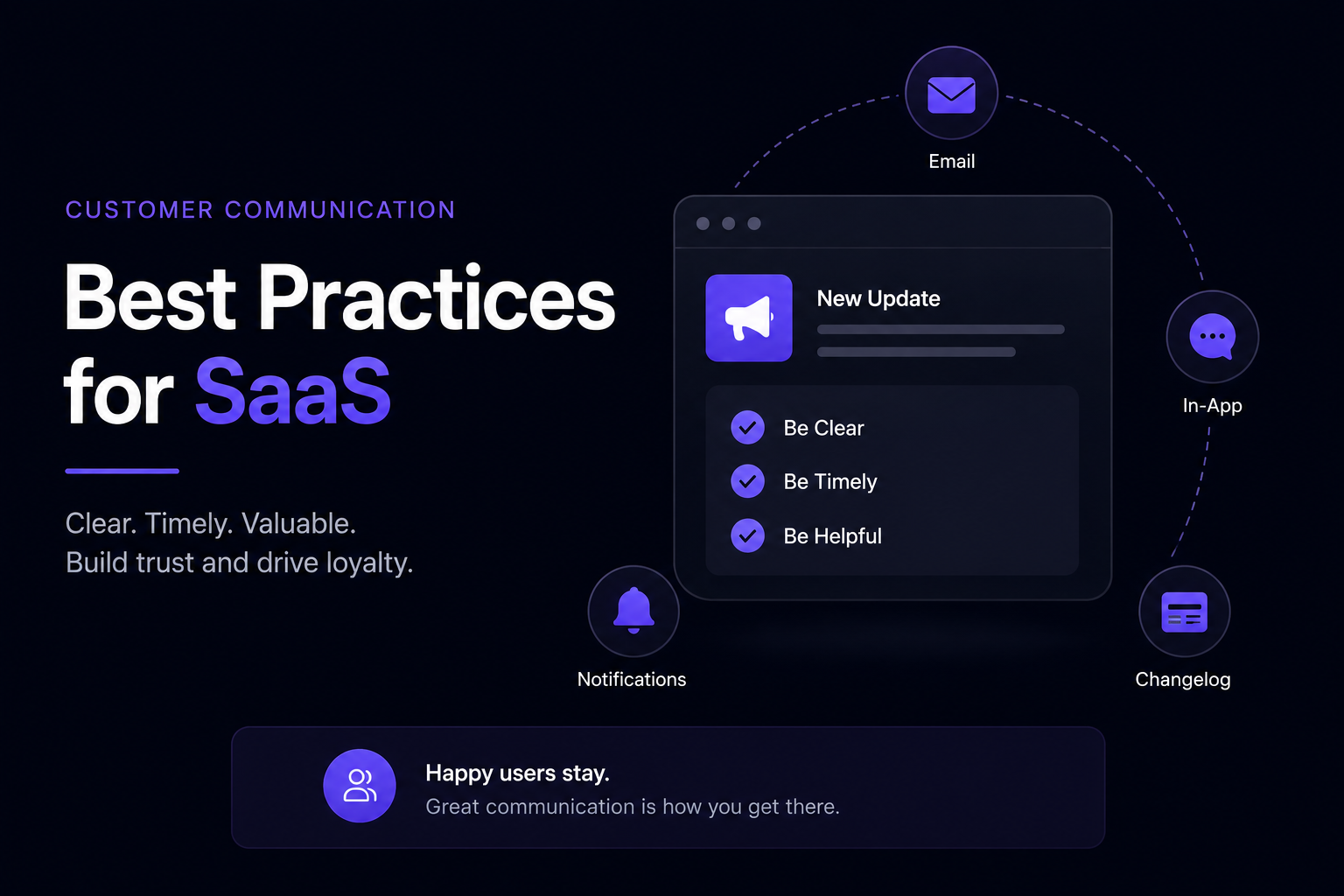
Release Notes Best Practices
Writing effective release notes isn't about following a rigid format.
It's about helping users quickly understand what's changed and why they should care.
If you follow the best practices below, your release notes will be easier to read, encourage feature adoption, and create a better overall customer experience.
Write for Users, Not Your Engineering Team
One of the most common mistakes is writing release notes that sound like Git commit messages.
For example:
❌ Refactored authentication middleware and optimized API caching.
While technically accurate, most customers have no idea what that means.
Instead, explain the outcome:
✅ Signing in is now faster and more reliable, especially for larger teams.
Always translate technical work into user value.
Lead with the Benefit
People don't care about features.
They care about what those features allow them to do.
Compare these two examples:
❌ Added CSV export.
✅ You can now export reports to CSV, making it easier to analyze your data in Excel or Google Sheets.
A small change in wording can make a feature feel much more valuable.
Keep Updates Focused
Avoid announcing ten unrelated features in a single release note.
If you're shipping a major feature, let it have the spotlight.
For larger releases, organize updates into sections such as:
New Features
Improvements
Bug Fixes
A clear structure makes long announcements much easier to scan.
Use Plain, Conversational Language
Your release notes shouldn't sound like legal documents or technical specifications.
Write the way you would explain the update to a customer during a product demo.
Simple language is almost always better than complex language.
Add Screenshots or GIFs
Some features are much easier to understand visually.
Whenever you're introducing:
A redesigned interface
A new dashboard
A workflow improvement
A drag-and-drop experience
An editor or design tool
Include a screenshot or a short GIF.
Seeing the feature often explains it better than a paragraph of text.
Link to Documentation
Release notes should introduce a feature—not teach every detail.
If setup takes more than a minute to explain, link to:
Documentation
Help center articles
Video tutorials
API references
Migration guides
This keeps your announcement concise while still helping users who want to dive deeper.
Publish Consistently
Don't wait until you've shipped ten features.
Regular updates help customers see that your product is actively improving.
Even small improvements are worth announcing when they make your product better.
Consistency builds trust over time.
Celebrate Customer Feedback
Whenever possible, mention when a feature came from user feedback.
For example:
Thanks to everyone who requested custom domains—we're excited to make them available today.
This shows customers that you're listening and encourages more feedback in the future.
End with a Clear Next Step
Don't leave readers wondering what to do next.
Finish your release notes with an action.
For example:
Try the feature today.
Read the documentation.
Watch the demo.
Share your feedback.
Enable it from your dashboard.
A simple call to action increases the chances that users will actually explore the update.
Best Practices Checklist
Before publishing your next release note, run through this quick checklist:
✅ Clear, descriptive title
✅ Explain the benefit before the feature
✅ Focus on user outcomes
✅ Keep it concise and easy to scan
✅ Use plain language
✅ Include screenshots or GIFs when helpful
✅ Link to documentation for additional details
✅ End with a clear next step
✅ Publish consistently
✅ Thank customers when feedback inspired the feature
You don't need to follow every recommendation perfectly.
But the more user-focused your release notes become, the more likely customers are to read them, understand them, and start using the features you've worked so hard to build.
Common Release Notes Mistakes to Avoid
Even the best product teams occasionally publish release notes that don't resonate with users.
The good news is that most mistakes are easy to fix once you know what to look for.
Here are the most common pitfalls—and how to avoid them.
1. Writing Like a Developer Instead of a Customer
It's natural to describe the work you did.
But customers don't care that you:
Refactored the database
Updated dependencies
Improved API performance
Fixed issue #428
They care about the result.
Instead of describing the technical work, explain how the update improves their experience.
Ask yourself:
"If I were a customer, why would I care about this update?"
If your release notes answer that question, you're heading in the right direction.
2. Using Generic Titles
Titles like:
New Update
Version 3.2
Product Improvements
don't tell users anything.
Instead, be specific.
For example:
✅ AI Release Notes Are Here
✅ Custom Domains Are Now Available
✅ Invite Team Members with Role-Based Permissions
A descriptive title encourages more people to read the rest of the announcement.
3. Explaining Features Without Explaining Benefits
One of the easiest ways to lose a reader is to focus only on what changed.
For example:
Added webhook support.
Most users won't know why that's useful.
A better version is:
You can now connect your favorite tools using webhooks, making it easier to automate workflows without manual work.
Features describe functionality.
Benefits explain value.
Always lead with value.
4. Making Release Notes Too Long
Release notes aren't blog posts.
Most users want a quick overview before they return to their work.
Keep updates focused.
If a feature requires a detailed explanation, include a link to documentation or a separate guide instead of trying to fit everything into one announcement.
5. Publishing Without Visuals
Many SaaS features are easier to understand visually.
If you've redesigned your dashboard or introduced a new workflow, include:
Screenshots
GIFs
Short videos
A single image can often explain a feature more effectively than several paragraphs.
6. Only Announcing Major Releases
Some teams wait months before publishing release notes because they think every update needs to be a major launch.
It doesn't.
Small improvements matter too.
Examples include:
Faster page loads
Better search results
Accessibility improvements
Quality-of-life enhancements
Frequently requested bug fixes
These updates reassure customers that your product is actively maintained.
7. Forgetting to Tell Users What to Do Next
After reading your announcement, users should know exactly how to try the feature.
End your release notes with a simple next step, such as:
Enable it from your dashboard.
Read the setup guide.
Watch the demo.
Try the feature today.
Share your feedback.
A clear call to action helps turn readers into active users.
8. Publishing Inconsistently
A changelog that hasn't been updated in six months sends the wrong message.
Prospective customers often look at your latest updates before deciding whether to trust your product.
Consistent release notes demonstrate that you're actively improving your SaaS—even if each update is relatively small.
Regular communication builds confidence over time.
A Simple Test Before You Publish
Before publishing your next release note, read it once and ask yourself these five questions:
Can a new customer understand this in under a minute?
Have I explained why this update matters?
Would a screenshot make this easier to understand?
Is the language clear and free of unnecessary technical jargon?
Have I included a clear next step for users?
If the answer is yes to each question, your release notes are ready to publish.
Great release notes don't need to be long or complicated.
They simply need to help customers understand what's new—and encourage them to experience the value of your latest release.
Where Should You Publish Release Notes?
Writing great release notes is only half the job.
If your customers never see them, even the best announcement won't have much impact.
The most effective SaaS companies publish release notes across multiple channels so users can discover updates wherever they already interact with the product.
Here are the best places to share your release notes.
1. A Public Changelog
A public changelog should be the home for all of your release notes.
It gives customers a single place to browse every product update, while also helping potential customers see that your product is actively maintained.
A public changelog can also support your SEO by creating indexable pages that showcase your latest features and improvements.
Best for:
Product history
SEO
Customer transparency
Sharing updates with prospects
2. An In-App Changelog Widget
Not every customer visits your changelog page.
An in-app widget brings release notes directly into your product, making it much easier for users to discover new features while they're already using your software.
This often leads to higher feature adoption because users don't need to leave the application to learn what's new.
Best for:
Feature discovery
Product adoption
User engagement
3. Email Newsletters
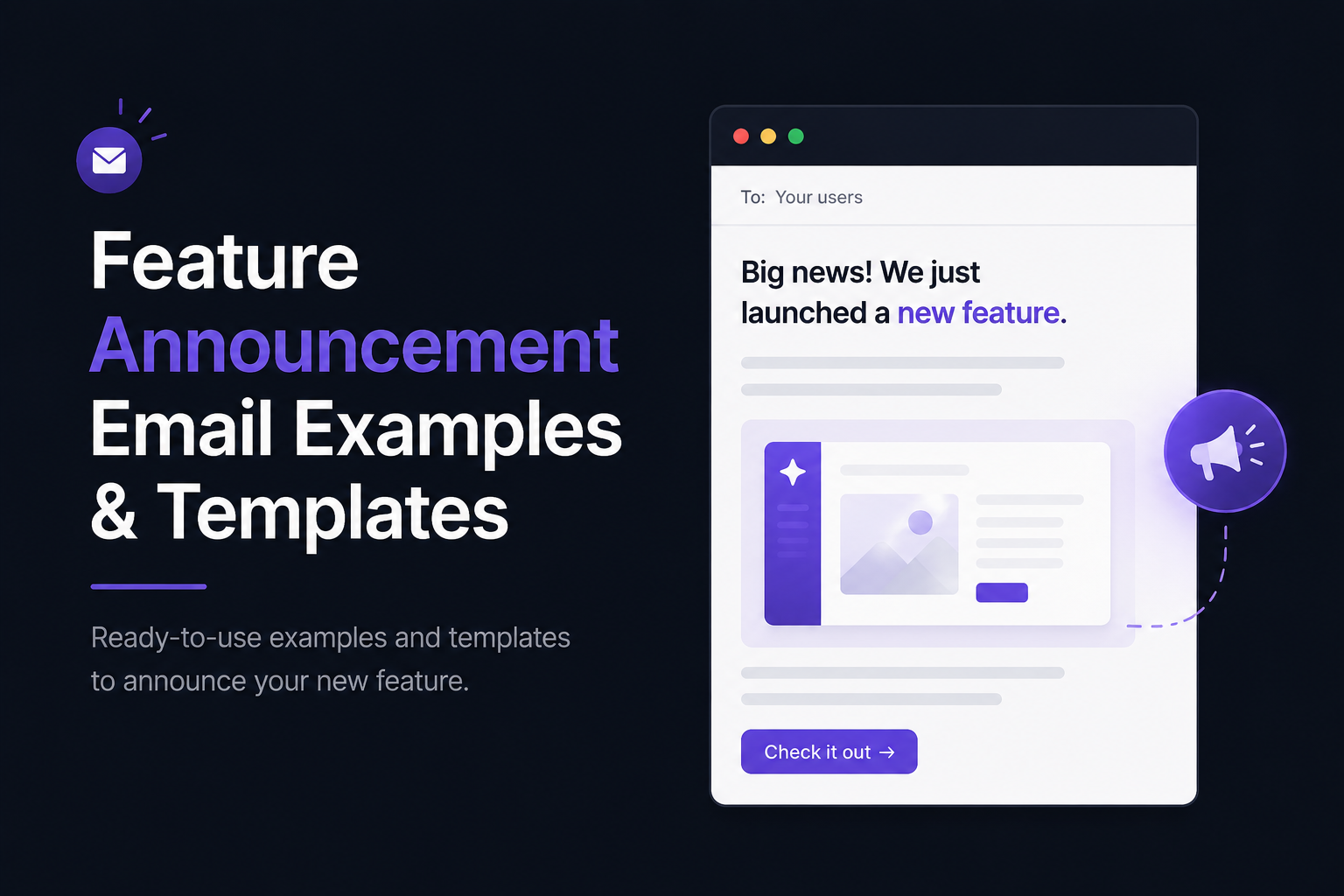
Major releases deserve more than a changelog entry.
Sending a short email helps existing customers discover important updates and encourages inactive users to return to your product.
Keep the email concise and link back to the full release notes for anyone who wants more details.
Best for:
Major feature launches
Customer re-engagement
Product announcements
4. Your Blog
Some releases deserve a deeper explanation.
If you've shipped a significant feature, consider turning it into a blog post that explains:
The problem you solved
Why you built the feature
How it works
Best practices
Real-world use cases
This approach helps attract organic search traffic while giving existing users additional context.
Best for:
SEO
Educational content
Large feature launches
5. Social Media
Every meaningful product update is an opportunity to create content.
Instead of copying your release notes word for word, adapt them for each platform.
For example:
Share a screenshot on X.
Publish a carousel on LinkedIn.
Post a short demo on YouTube Shorts.
Share the story behind the feature on Reddit or Indie Hackers.
Your release notes become the starting point—not the final destination—for your marketing.
Best for:
Brand awareness
Community engagement
Product marketing
How Often Should You Publish Release Notes?
There isn't a perfect schedule.
The right publishing frequency depends on how often your product changes.
The important thing is to communicate meaningful improvements consistently.
Ship Often? Publish Often.
If you're an indie founder releasing improvements every week, publish release notes every week.
Frequent updates show momentum and help users discover new features as they're released.
Small Improvements Still Matter
Not every release needs to introduce a groundbreaking feature.
Customers appreciate updates like:
Faster performance
Better accessibility
Improved workflows
Bug fixes
UI refinements
These improvements demonstrate that your product is actively evolving.
Avoid Long Periods of Silence
An inactive changelog can leave the impression that development has slowed—or stopped.
Even if you're working on a large feature behind the scenes, consider publishing smaller updates along the way to reassure customers that progress is being made.
Consistency builds confidence.
A Simple Rule to Follow
Instead of publishing on a fixed schedule, publish whenever you've shipped something that creates real value for users.
Ask yourself:
"Would a customer benefit from knowing about this update?"
If the answer is yes, it's probably worth writing release notes.
Remember, release notes aren't about documenting every line of code.
They're about communicating progress.
Every meaningful improvement is another opportunity to educate users, increase feature adoption, and reinforce the value of your product.
Conclusion
Writing release notes isn't just about documenting product updates.
It's about helping customers discover value.
Every feature you ship represents time, effort, and customer feedback. Well-written release notes ensure that work doesn't go unnoticed. They improve feature adoption, reduce confusion, build trust, and remind customers that your product is continuously evolving.
The best release notes aren't the longest or the most technical.
They're the ones that answer a few simple questions:
What's new?
Why does it matter?
How do I get started?
If you consistently communicate the value behind every release, your customers will be more likely to explore new features, stay engaged with your product, and appreciate the progress you're making.
Remember, shipping a feature doesn't create impact.
Helping users discover it does.
Publish Better Release Notes with Announcify
If you're looking for an easy way to publish release notes and keep customers informed, Announcify is built for exactly that.
With Announcify, you can:
Create a beautiful public changelog in minutes
Embed an in-app changelog widget to increase feature discovery
Write release notes faster with AI assistance
Automatically generate updates from GitHub and Linear
Customize your changelog with your own branding and custom domain
Whether you're a solo founder launching your first SaaS or a growing startup shipping updates every week, Announcify helps you turn product releases into clear, engaging customer communication.
Because every feature deserves to be discovered—not buried in your commit history.
Ahmed Errami
I'm a full stack developer who is passionate about building products that help people. I'm also the founder of Announcify.
Product Updates
Sep 5, 20268 min read
Best AI Release Notes Generators
Manually writing release notes after every deployment takes time. Here are the best AI release notes generators for turning your development workflow into clear, customer-friendly product updates.
 Ahmed Errami