Customer Communication Best Practices for SaaS | Announcify
Product Updates8 min read
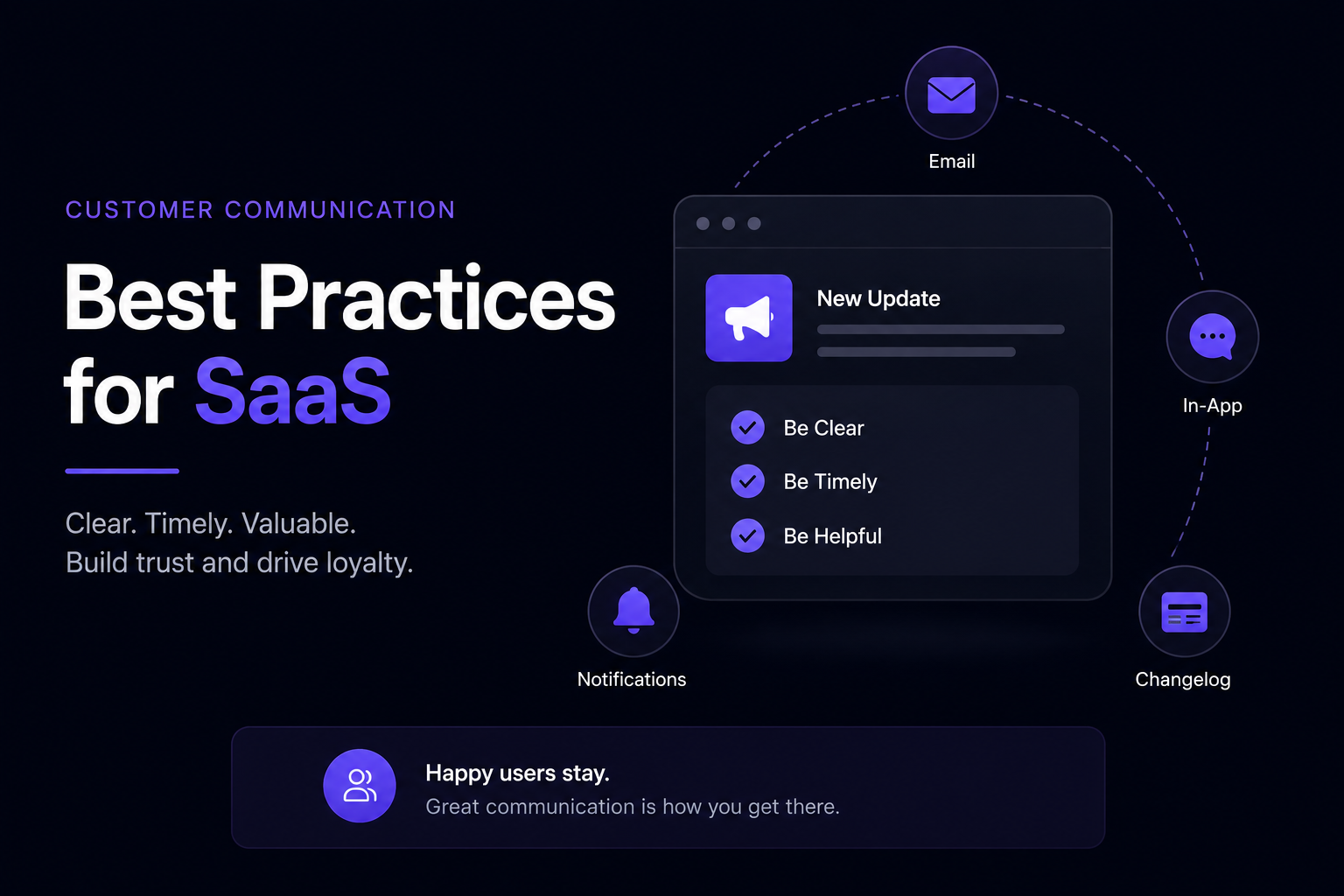
Customer Communication Best Practices for SaaS
Aug 23, 2026
Ahmed Errami
Introduction
Good customer communication is one of the easiest things for a SaaS company to underestimate.
You can build a great product, ship useful features, and fix customer problems quickly, but if customers don't know what's changing or what they can do with your product, much of that work can go unnoticed.
At the same time, communicating too much can create another problem.
Customers don't want to receive an email every time you deploy a small change. They don't want to see irrelevant popups every time they log in. And they shouldn't have to search through dozens of messages to understand what's important.
The goal isn't to communicate more.
It's to communicate better.
A good SaaS customer communication strategy helps customers:
Understand what's new
Discover useful features
Get more value from the product
Know when important changes are coming
Get help when they need it
Understand how the product is improving
In this guide, we'll cover the most important customer communication best practices for SaaS companies, including product updates, feature announcements, email, in-app messaging, changelogs, documentation, and customer feedback.
Customer communication is every interaction a SaaS company has with its customers throughout their relationship with the product.
This includes much more than customer support.
Common examples include:
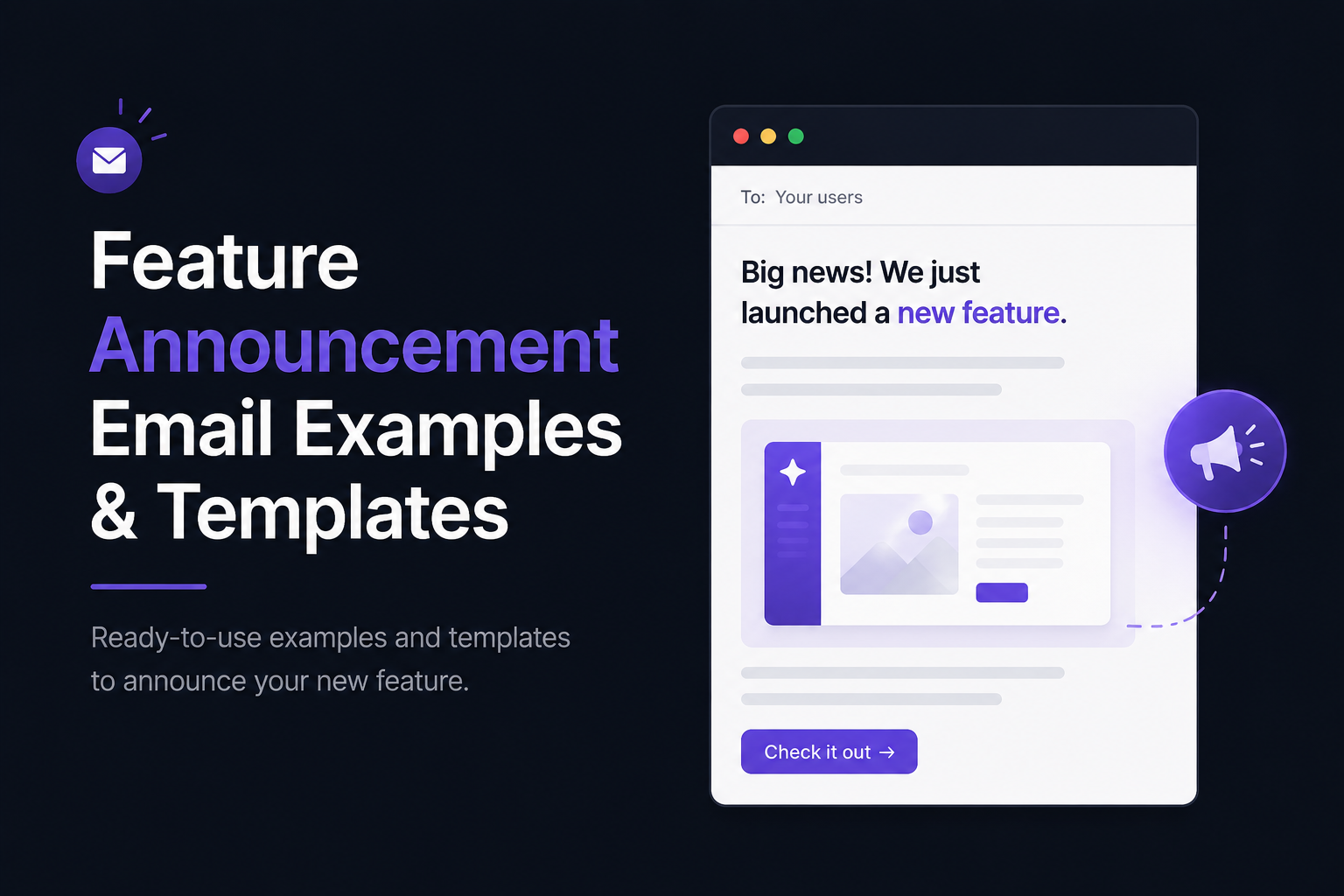
Product update emails
Feature announcements
In-app messages
Changelog updates
Onboarding emails
Documentation
Help center content
Customer newsletters
Feedback surveys
Support conversations
Renewal and billing communication
Each interaction contributes to how customers understand your product and your company.
The best SaaS companies treat customer communication as part of the product experience, rather than something that only happens when there's a problem.
Why Customer Communication Matters
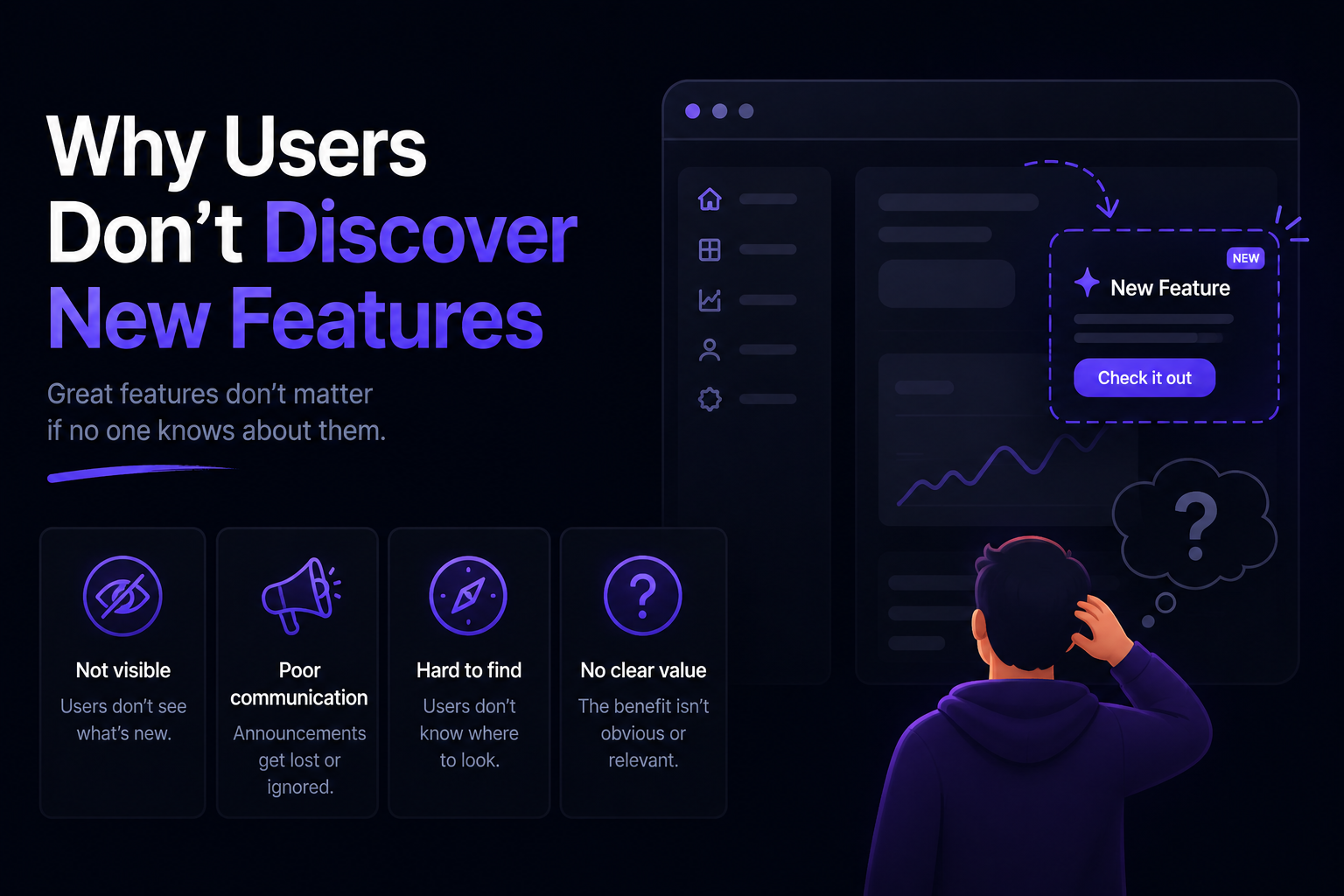
Customers can't benefit from features they don't know exist.
They may also struggle to understand changes, miss important improvements, or continue using inefficient workflows simply because nobody told them there's a better way.
Effective communication helps close that gap.
For example, imagine you release a feature that saves customers 30 minutes every week.
If you don't tell them about it, the feature may have very little impact.
But if you explain the problem it solves, show customers how to use it, and surface it at the right moment, adoption can increase significantly.
Good communication turns product improvements into customer value.
1. Communicate the Value, Not Just the Update
One of the most common SaaS communication mistakes is focusing on what the company built instead of what the customer gets from it.
Customers don't necessarily care that you added a new database architecture, redesigned a dashboard, or introduced a new API endpoint.
They care about what they can now do better, faster, or more easily.
Lead With the Customer Outcome
Compare these two announcements:
New: Bulk Editing
and:
Edit hundreds of records at once instead of updating them individually.
The second immediately communicates the benefit.
When announcing an update, try to answer:
What changed?
Why does it matter?
What problem does it solve?
Who benefits from it?
What should the customer do next?
You don't need to answer every question in every message, but the customer should quickly understand why the update is relevant.
Avoid Technical Language When It Doesn't Help
Your customers don't need an engineering changelog.
Instead of:
"We've migrated our background processing system to a new queue architecture."
Say:
"Background tasks now process faster and more reliably, even during busy periods."
The technical implementation can be explained in documentation or developer-focused communication when necessary.
For most customers, focus on the outcome.
Make the Benefit Obvious
A useful formula for product communication is:
What changed + why it matters + what to do next
For example:
Schedule reports automatically
You can now schedule weekly reports and have them delivered automatically, so you don't have to generate them manually every Monday.
Create your first scheduled report →
The customer immediately understands the feature, the benefit, and the next step.
2. Use the Right Communication Channel
Not every update belongs in an email.
Not every change needs an in-app popup.
And not every customer needs to receive every message.
Choose the communication channel based on the importance and context of the update.
Email
Email works well for:
Major feature launches
Important product changes
Product newsletters
Account-related communication
Updates that require customer action
Email gives you more space to explain the context and value of an important update.
In-App Messages
In-app communication works particularly well when the customer needs to discover or use something while they're already using your product.
Use it for:
New features
Relevant improvements
Workflow changes
Contextual tips
Important notices
Because the customer is already inside your product, the distance between discovering a feature and trying it can be very short.
Changelog
A changelog is useful for maintaining a complete history of product updates.
It can include:
New features
Improvements
Integrations
Bug fixes
Performance updates
Customer-requested changes
Customers who want to keep up with everything can check the changelog without requiring you to send an email for every release.
Documentation
Documentation is the right place for detailed explanations.
Use it for:
How-to guides
Feature instructions
API documentation
Setup instructions
Troubleshooting
Detailed workflows
Don't try to put everything into your announcement.
Use the announcement to create awareness, then link customers to documentation when they need more detail.
A Simple Rule
Think about the purpose of each channel:
Channel
Best For
Email
Important updates and announcements
In-app
Relevant updates and feature discovery
Changelog
Complete product update history
Documentation
Detailed instructions
Support
Individual customer problems
Newsletter
Regular product and company updates
Using each channel for its intended purpose keeps communication more useful and less overwhelming.
3. Don't Communicate Every Change the Same Way
One of the easiest ways to overwhelm customers is to treat every product update as equally important.
A major feature launch and a minor bug fix don't deserve the same amount of attention.
Create Different Levels of Communication
A simple system is to divide updates into three categories.
Major Updates
These significantly change what customers can do.
Examples:
New major features
New integrations
Major workflow changes
Significant product redesigns
These usually deserve an email, an in-app announcement, and a detailed changelog entry.
Meaningful Improvements
These improve an existing workflow but don't fundamentally change the product.
Examples:
Faster search
New filtering options
Improved dashboard
Better export options
These can usually be documented in your changelog and surfaced in-app when relevant.
An email may be appropriate if the improvement solves a common customer problem.
Minor Changes
These are small fixes and improvements that don't require customer action.
Examples:
Small UI fixes
Minor bug fixes
Performance optimizations
Internal improvements
These can usually be added to your changelog without sending a separate email.
Why This Matters
When every update gets an email, customers eventually stop paying attention.
If you reserve emails for important updates, customers are more likely to open them when something genuinely important arrives.
The same principle applies to in-app announcements.
Communication should reflect importance.
4. Communicate Consistently
Customers shouldn't only hear from you when something goes wrong or when you want to sell them something.
Consistent communication helps customers understand that your product is actively maintained and improving.
This doesn't mean sending messages constantly.
It means having a predictable system for communicating important changes.
For example:
Publish product updates to your changelog
Send occasional product update emails
Communicate important changes before they happen
Share useful educational content
Ask customers for feedback regularly
Consistency builds familiarity.
Over time, customers know where to look when they want to know what's happening with your product.
5. Tell Customers About Important Changes Before They Happen
Some product changes require more preparation than others.
If you're changing something that affects how customers work, don't surprise them.
For example:
Pricing changes
Major UI changes
API changes
Deprecated features
Changes to billing
Changes to permissions
Changes to important workflows
Give customers enough time to understand what is changing and what they need to do.
A good communication sequence might look like:
Announce → Explain → Remind → Launch → Support
This gives customers time to prepare instead of discovering the change after it has already happened.
Explain What Customers Need to Do
Don't simply tell customers:
"We're changing our API on September 1."
Tell them:
"Our API v1 will be deprecated on September 1. If you're currently using v1, you'll need to migrate to v2 before that date. Here's the migration guide."
The second message is much more actionable.
6. Keep Your Messages Concise
Customers are busy.
A product announcement doesn't need to explain everything your team did over the last month.
Focus on the information customers actually need.
A simple structure works well:
What Changed?
Explain the update in one or two sentences.
Why Does It Matter?
Explain the customer benefit.
What Should I Do?
Give them a clear next step.
Want to Learn More?
Link to the changelog, documentation, or relevant page.
This structure makes messages easy to scan while still providing enough context.
7. Make Product Updates Easy to Find
Even a well-written announcement can be missed.
Customers may not open the email, may not be logged in when you publish the update, or may simply forget about it later.
That's why important product updates should remain discoverable after the initial announcement.
Use a Public Changelog
A public changelog gives customers a permanent place to see what's new.
Instead of relying on customers to remember an email they received two weeks ago, they can visit your changelog and catch up on recent updates.
A good changelog should make it easy to:
Browse recent updates
Understand what changed
See when it was released
Learn how to use new features
Find related documentation
It can also help potential customers see that your SaaS is actively maintained.
Add an In-App Changelog
An in-app changelog makes product updates available without requiring customers to leave your application.
A small "What's new" section or changelog widget can give users a simple way to discover recent improvements while they're using your product.
This is particularly useful for frequent releases.
You can ship multiple improvements without sending an email for every single one.
Link to Updates From Other Channels
Your changelog shouldn't exist in isolation.
Link to relevant updates from:
Product emails
Documentation
Support responses
Onboarding
Your website
Social media
This creates multiple paths for customers to discover what you've built.
8. Don't Spam Customers With Product Updates
One of the biggest customer communication mistakes is confusing consistent communication with constant communication.
If customers receive an email every time you ship something, they'll eventually stop reading your emails.
Group Smaller Updates
Instead of sending:
Monday: New filter
Wednesday: Faster search
Friday: Dashboard improvement
You could send one weekly or monthly product update:
What's new this month
Faster search, new filters, an improved dashboard, and several smaller improvements.
This gives customers a useful summary without filling their inbox.
Let Customers Choose How They Stay Updated
Different customers want different levels of communication.
Some want to know about every update.
Others only care about major changes.
Where possible, give customers options such as:
Product update emails
Changelog notifications
Important product announcements
Account-related emails
Giving customers control can improve the quality of your communication because they're more likely to pay attention to messages they've chosen to receive.
9. Ask for Feedback
Customer communication shouldn't be one-way.
Your customers are one of your best sources of information about what to build and how to improve it.
After launching an important feature, ask customers what they think.
You can use:
Short surveys
In-app feedback
Support conversations
Customer interviews
Feature request boards
Direct outreach
Ask Specific Questions
Instead of:
"What do you think about the new feature?"
Try:
"Did this feature solve the problem you were experiencing?"
Or:
"What would make this workflow easier?"
Specific questions produce more useful answers.
Close the Feedback Loop
When customers request something and you eventually build it, tell them.
For example:
"You asked for bulk editing, and it's now available."
Customers can see that their feedback actually influences the product.
10. Personalize Communication When It Matters
Not every customer needs the same message.
A feature designed for large teams may not be relevant to an individual user.
An advanced reporting feature may be useful to customers who regularly use analytics but irrelevant to everyone else.
Whenever practical, make communication more relevant by considering:
Customer plan
Product usage
Team size
Features already used
Customer lifecycle stage
Previous requests
You don't need a sophisticated personalization system to start.
Even simple segmentation can make a big difference.
Instead of sending one announcement to 10,000 customers, you might send a targeted message to the 1,500 customers most likely to benefit from the feature.
Relevance is often more valuable than reach.
11. Use Customer Communication to Improve Feature Adoption
A feature isn't successful simply because you've shipped it.
Customers need to discover it, understand it, try it, and eventually incorporate it into their workflow.
Communication can help move customers through each stage.
Start With Awareness
Tell customers that the feature exists.
Use your changelog, email, in-app announcements, or other relevant channels.
Explain the Value
Show customers what problem the feature solves.
Avoid focusing entirely on technical details.
Instead, explain how the feature can improve their workflow.
Make It Easy to Try
Give customers a clear next step.
For example:
Try the new automation builder →
A direct call to action removes friction between discovering the feature and using it.
Follow Up With Education
Some features need more than one announcement.
Create supporting content such as:
Tutorials
Documentation
Examples
Templates
Short videos
FAQs
This helps customers move from simply knowing about a feature to actually using it.
Measure Adoption
Track what happens after the announcement.
Look at:
Announcement views
Click-through rates
Feature usage
Activation
Repeat usage
Customer feedback
If customers see the announcement but don't use the feature, you may have a discovery, messaging, or usability problem.
12. Communicate Product Problems Honestly
Customer communication isn't only about good news.
Sometimes things go wrong.
You might experience:
An outage
A security incident
A delayed feature
A broken release
A billing problem
A service degradation
When something affects customers, communicate clearly and honestly.
Don't make customers guess what's happening.
Explain What Happened
Give customers the information they need without unnecessary technical details.
Explain:
What happened
Who was affected
What you're doing about it
What customers need to do
When they can expect another update
Don't Hide Behind Vague Language
If something went wrong, say so.
Compare:
"We're currently experiencing some technical difficulties."
with:
"Some customers are currently unable to upload files. We've identified the issue and are working on a fix."
The second message is much more useful.
It tells customers what is happening and what your team is doing.
Follow Up After the Problem Is Resolved
Don't disappear once the issue is fixed.
Tell customers when the problem has been resolved and, when appropriate, explain what you're doing to prevent it from happening again.
This can turn a frustrating experience into an opportunity to demonstrate reliability.
13. Keep Support and Product Communication Connected
Customer support conversations contain valuable information about your communication strategy.
If customers repeatedly ask:
"Where can I find this feature?"
that's a potential discovery problem.
If customers repeatedly ask:
"What does this setting do?"
your product messaging may not be clear enough.
If customers repeatedly ask:
"When did you add this?"
your product updates may be difficult to discover.
Use these conversations as feedback for improving your product communication.
Turn Repeated Questions Into Better Content
If customers keep asking the same question, create a resource that answers it.
That could be:
A help article
A changelog entry
A product guide
An FAQ
An onboarding message
An in-app explanation
This reduces repetitive support work while making the answer available to future customers.
14. Build a Customer Communication Calendar
You don't need to plan every message months in advance.
But having a basic communication calendar can help you stay consistent.
For example:
Frequency
Communication
As needed
Important product announcements
Weekly
Changelog updates
Monthly
Product update email
Quarterly
Major product or roadmap update
As needed
Feedback surveys
As needed
Maintenance and service announcements
Your schedule will depend on your product and customers.
The purpose isn't to communicate on a specific number of days.
It's to make sure important updates don't get forgotten.
Coordinate Product and Communication
Ideally, customer communication should be considered while a feature is being developed.
Before launching a feature, decide:
Who needs to know about it?
What problem does it solve?
Which channel should you use?
What supporting content is needed?
What action should customers take?
How will you measure the result?
This makes communication part of the launch rather than an afterthought.
15. Create a Clear Product Update Workflow
As your SaaS grows, customer communication can become difficult to manage if every update is handled differently.
A simple workflow can make the process more consistent.
Step 1: Decide What Is Worth Communicating
Not every deployment needs a customer-facing announcement.
Classify the change as:
Major feature
Meaningful improvement
Minor improvement
Bug fix
Internal change
Then decide how much communication it deserves.
Step 2: Write the Customer-Facing Message
Explain the update in terms of customer value.
A simple structure is:
What changed → Why it matters → How to use it
Avoid copying technical commit messages or internal development notes directly into customer communication.
Step 3: Publish the Changelog Entry
Create a permanent record of the update.
Include screenshots, examples, or documentation links when they help customers understand the change.
Step 4: Choose Additional Channels
For important updates, decide whether you also need:
An email
An in-app announcement
A social media post
A tutorial
Direct outreach to affected customers
Don't automatically use every channel.
Choose the ones that make sense for the update.
Step 5: Measure the Result
After launch, look at what happened.
Did customers discover the update?
Did they use the feature?
Did support requests increase?
Did customers provide useful feedback?
This information can improve your next launch.
A Simple Customer Communication Framework
If you want a simple framework to follow, think about every customer-facing update in five stages:
1. Inform
Tell customers what changed.
2. Explain
Show why the change matters.
3. Guide
Help customers understand how to use it.
4. Listen
Collect feedback and questions.
5. Improve
Use what you learn to improve the product and future communication.
This turns customer communication into a continuous feedback loop rather than a series of disconnected announcements.
The Most Important Principle
Your customers don't need to hear everything your company does.
They need to hear what matters to them.
Good SaaS communication is clear, relevant, timely, and easy to act on.
When you consistently communicate this way, customers are more likely to understand your product, discover new features, adopt improvements, and trust your company as it evolves.
Customer Communication Mistakes to Avoid
Even with a good communication strategy, a few common mistakes can make your messages less effective.
Sending Too Many Emails
More emails don't necessarily mean better communication.
If customers receive an email for every minor update, they'll eventually start ignoring your product emails.
Reserve email for updates that genuinely deserve attention.
Writing From the Company's Perspective
Avoid making every announcement about what your team did.
Instead of:
"Our engineering team has spent the last three months rebuilding the dashboard."
Focus on:
"Your dashboard now loads faster and gives you more control over the data you see."
The customer should be the main character of the message.
Using Vague Announcements
Messages like:
"We've made some exciting improvements!"
don't tell customers anything useful.
Be specific.
Explain what changed and why customers should care.
Making Customers Search for the Next Step
If a feature requires action, make that action obvious.
Instead of ending with:
"Learn more about our new automation features."
Give customers a direct path:
Create your first automation →
Reducing friction increases the chance that customers will actually try the feature.
Announcing Features Without Explaining Them
A feature name isn't always enough.
If the functionality isn't obvious, provide a short explanation, screenshot, example, or link to documentation.
Don't make customers figure out the value themselves.
Ignoring Customers Who Don't Use a Feature
Low adoption doesn't automatically mean a feature failed.
Maybe customers didn't discover it.
Maybe they don't understand it.
Maybe the onboarding is confusing.
Maybe the feature doesn't solve the problem you expected.
Talk to customers before deciding what the numbers mean.
Communicating Too Late
If a change affects an existing workflow, don't announce it after customers encounter it.
Give them enough time to understand what is changing and prepare if necessary.
This is especially important for pricing, APIs, billing, deprecations, and major workflow changes.
Treating Communication as a Marketing Task Only
Customer communication isn't just the responsibility of marketing.
Product, engineering, customer success, and support all have useful information about what customers need to know.
The best communication happens when these teams work together.
A Final Checklist for Every Product Update
Before publishing a customer-facing update, ask:
Is this update actually worth communicating?
Is the customer benefit clear?
Is the message easy to understand?
Is this the right channel?
Does the customer need to take action?
Is there documentation available?
Can customers easily find the feature?
Have we explained any important changes in advance?
Do we have a way to collect feedback?
How will we measure whether the communication worked?
If you can answer these questions, your product communication will be much more intentional.
Frequently Asked Questions
What is the best way to communicate with SaaS customers?
There isn't one best channel for every situation.
Use email for important announcements, in-app messages for contextual updates, a changelog for ongoing product updates, and documentation for detailed instructions.
The best strategy usually combines several channels without overwhelming customers.
How often should SaaS companies communicate with customers?
There is no universal frequency.
Communicate whenever customers need important information, but avoid sending messages simply to maintain a schedule.
For product updates, many SaaS companies can publish changelog entries frequently while reserving emails for major updates.
Should every product update be sent by email?
No.
Minor bug fixes and small improvements generally don't need their own email.
Reserve email for updates that are important enough for customers to stop what they're doing and pay attention.
How do I announce a new SaaS feature?
Explain three things:
What changed
Why it matters
What customers can do next
Keep the announcement focused on the customer outcome rather than the technical implementation.
What should a SaaS changelog include?
A changelog can include:
New features
Product improvements
Integrations
Performance improvements
Important bug fixes
Customer-requested changes
Each entry should explain what changed and why customers might care.
How can I communicate without spamming customers?
Don't use every communication channel for every update.
Instead, match the channel to the importance of the change.
Use your changelog for frequent updates, in-app announcements for relevant product changes, and email for major announcements.
You can also group several smaller updates into a single product update email.
Should product updates be personalized?
When practical, yes.
Not every feature is relevant to every customer.
Segmenting customers based on factors such as their plan, usage, team size, or previous behavior can make your communication more relevant.
How can customer communication improve feature adoption?
Communication can help customers move through the adoption process:
Discover → Understand → Try → Adopt
Tell customers that the feature exists, explain its value, make it easy to access, and provide guidance when necessary.
Then measure how many customers actually use it.
Should SaaS companies announce bugs and outages?
If an issue affects customers, communicate it clearly.
Explain what is happening, who is affected, what your team is doing, and when customers can expect another update.
For minor bugs that don't affect customers, a public announcement may not be necessary.
How can I collect customer feedback?
You can collect feedback through:
Surveys
In-app feedback
Support conversations
Customer interviews
Feature request boards
Direct outreach
Keep questions specific and close the feedback loop by letting customers know when their requests lead to changes.
Why is a changelog important for SaaS customer communication?
A changelog creates a permanent record of product improvements.
Customers don't have to remember an email they received weeks ago. They can visit the changelog to see what's new and understand how the product is evolving.
It also gives your team a consistent place to publish product updates without relying entirely on email.
Conclusion
Good SaaS customer communication isn't about sending more messages.
It's about making sure customers receive the right information, at the right time, through the right channel.
When you launch a new feature, don't just tell customers that something changed. Explain why it matters, show them how to use it, and make it easy to discover later.
A strong customer communication strategy should:
Focus on customer outcomes
Use each communication channel intentionally
Keep important updates easy to discover
Avoid overwhelming customers
Ask for and act on feedback
Communicate important changes before they happen
Measure whether customers actually understand and adopt updates
Your product is constantly changing.
Your customers shouldn't have to figure out those changes on their own.
Keep Customers in the Loop With Announcify
Announcify helps SaaS teams communicate product updates without turning every release into a manual marketing task.
Create a public changelog, display updates directly inside your product, and give customers an easy way to discover what's new.
Whether you're shipping a major feature or a small improvement, Announcify gives you a central place to keep customers informed.
Build better products. Communicate the changes clearly. Give customers a reason to keep coming back.
Ahmed Errami
I'm a full stack developer who is passionate about building products that help people. I'm also the founder of Announcify.
Product Updates
Sep 5, 20268 min read
Best AI Release Notes Generators
Manually writing release notes after every deployment takes time. Here are the best AI release notes generators for turning your development workflow into clear, customer-friendly product updates.
 Ahmed Errami