The Complete Guide to Product Updates for SaaS | Announcify
Product Updates8 min read
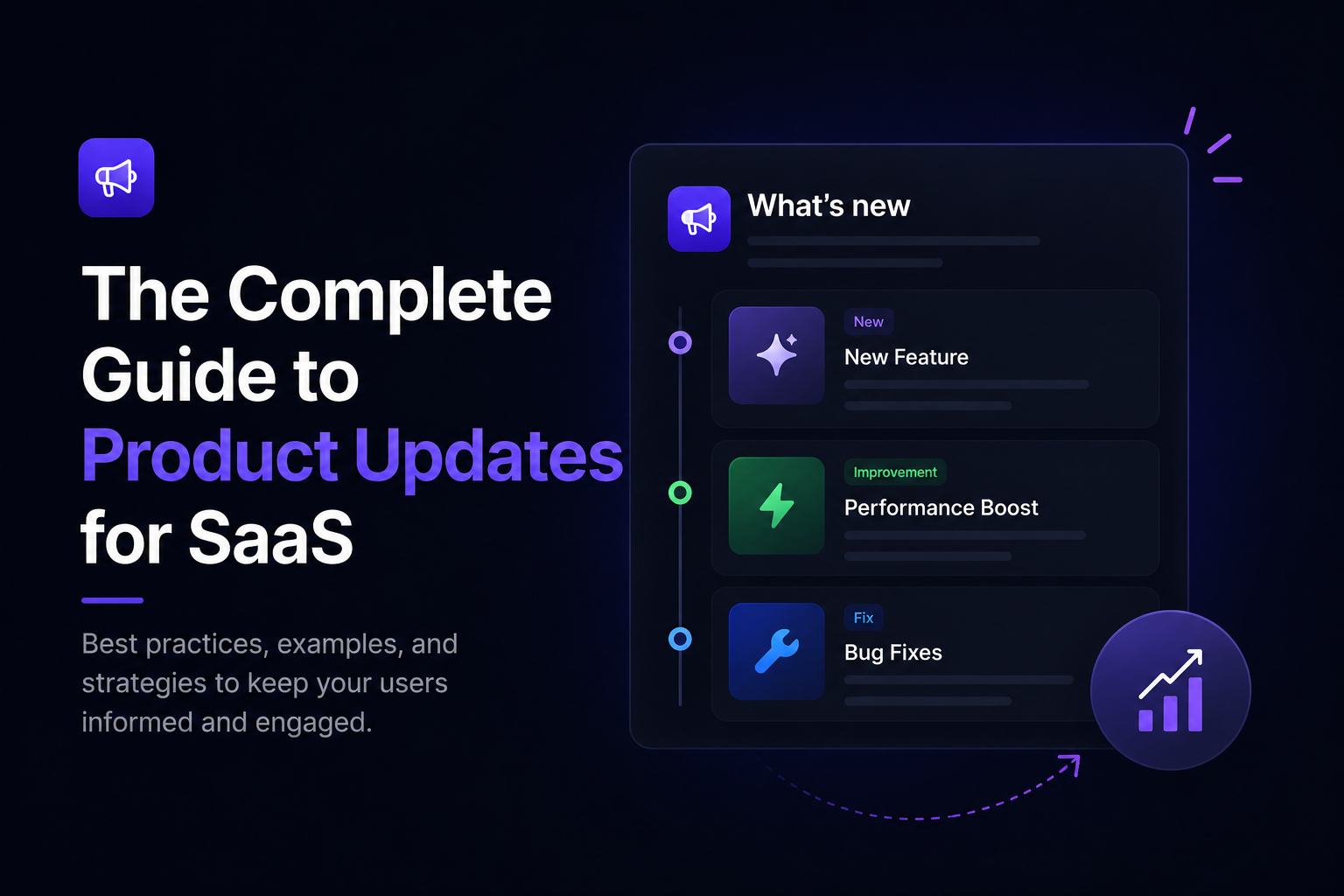
The Complete Guide to Product Updates for SaaS
Jul 30, 2026
Ahmed Errami
Introduction
Building great features is only half the job.
The other half is making sure your customers actually discover and use them.
Too many SaaS companies spend weeks building a feature, ship it, publish a short announcement, and immediately move on to the next task. As a result, many customers never realize the feature exists, adoption stays low, and the team wonders why all that effort didn't have a bigger impact.
That's where product updates come in.
A well-crafted product update doesn't just tell users that something changed—it explains why it matters, how it helps them, and what they should do next. Done consistently, product updates improve feature adoption, increase customer engagement, build trust, and remind users that your product is constantly evolving.
Product updates are also one of the most underrated marketing assets for SaaS companies. Every release can become a changelog entry, an email campaign, a social media post, a blog article, or a product demo. Instead of creating marketing content from scratch, you can turn the work you've already done into content that attracts and retains customers.
In this guide, you'll learn:
What product updates are and why they matter
The different types of product updates every SaaS should publish
Where to share product updates for maximum visibility
How to write updates that customers actually read
Common mistakes to avoid
Best practices from successful SaaS companies
Whether you're an indie founder shipping every week or a growing SaaS team with a dedicated product manager, this guide will help you build a product update strategy that keeps customers informed, engaged, and excited about every release.
Because shipping a feature creates potential.
Communicating it creates value.
What Are Product Updates?
Product updates are messages that inform customers about changes, improvements, and new features in your software.
Their purpose is simple:
Help users understand what's new, why it matters, and how to benefit from it.
Whenever you release something that improves your product, your customers should hear about it.
That could be a major feature launch, a performance improvement, a bug fix, a new integration, or even a small usability enhancement. If the update creates value for your users, it's worth communicating.
Unlike internal development notes or Git commits, product updates are written for customers. They focus on outcomes rather than implementation details.
For example, instead of saying:
Refactored the authentication service and optimized database queries.
A customer-focused product update would say:
Logging in is now up to 40% faster, making it quicker to access your dashboard.
The first describes the work.
The second explains the value.
That's the difference.
Product Updates vs. Release Notes vs. Changelog
These three terms are often used interchangeably, but they serve different purposes.
Term
What It Is
Primary Purpose
Product Update
Any communication about improvements to your product
Inform customers about what's new
Release Notes
A detailed explanation of a specific release
Help users understand new features and changes
Changelog
A chronological collection of all product updates
Provide a complete history of product changes
Think of them as layers.
A product update is the message.
A release note is the detailed explanation of that update.
A changelog is where all of those release notes are stored over time.
For example, imagine you launch Custom Domains.
Your product update is the announcement you share with customers.
Your release notes explain how Custom Domains work, who can use them, and how to set them up.
Your public changelog stores that release alongside every other update you've published.
Understanding this distinction helps you build a better communication strategy instead of treating every announcement the same way.
Why Product Updates Matter
Many SaaS companies see product updates as something they should publish after shipping a feature.
The best companies see them differently.
They see product updates as a way to educate customers, increase feature adoption, strengthen trust, and create marketing opportunities.
Here's why they matter.
Increase Feature Adoption
One of the biggest challenges in SaaS isn't building features.
It's getting customers to use them.
Even the best feature has little impact if users never discover it.
Regular product updates introduce new capabilities at the right time and explain how they solve real problems.
The easier you make it for users to understand a feature, the more likely they are to adopt it.
Build Customer Trust
Customers want to know that the products they rely on are actively maintained.
A steady stream of product updates shows that your team is continuously improving the experience, fixing issues, and listening to feedback.
That transparency builds confidence over time.
Reduce Churn
Customers who regularly discover new value are less likely to leave.
Product updates remind users why they chose your product in the first place and help reinforce the value of their subscription.
Even small improvements can make customers feel that the product is moving in the right direction.
Reduce Support Requests
Clear announcements answer many questions before users ever contact your support team.
By explaining what's changed, how it works, and where to find it, you help customers help themselves.
That means fewer repetitive support tickets and a smoother onboarding experience.
Create Marketing Content
Every product update is an opportunity to create content.
A single feature can become:
A changelog entry
A product announcement
An email newsletter
A social media post
A blog article
A YouTube demo
A Reddit or Indie Hackers post
Instead of asking, "What should we post today?", your product roadmap becomes your content calendar.
That's one of the biggest advantages of treating product updates as part of your marketing strategy.
Improve SEO
Publishing product updates consistently creates fresh, relevant content for your website.
Over time, these updates can:
Strengthen topical authority
Target long-tail keywords related to your features
Create new internal linking opportunities
Help search engines understand how your product evolves
While product updates shouldn't replace educational content, they complement a strong SEO strategy by demonstrating continuous product development.
The most successful SaaS companies don't just build products.
They communicate progress.
Because every update is another opportunity to educate users, build trust, and remind customers that your product keeps getting better.
The Different Types of Product Updates
Not every product update is a major feature launch.
In fact, the most successful SaaS companies communicate a wide variety of updates to keep customers informed and engaged.
The key is knowing what deserves an announcement and how to present it.
Here are the six most common types of product updates.
1. New Features
New features are the updates that usually receive the most attention.
Whether you've introduced AI capabilities, custom domains, or a completely redesigned dashboard, these releases deserve a dedicated announcement.
When writing about a new feature:
Explain the problem it solves.
Highlight the biggest benefit.
Show screenshots or a short GIF.
Include a clear call to action.
Example
Introducing Custom Domains
You can now host your public changelog on your own domain, giving your product updates a more professional and branded experience.
2. Improvements
Not every release introduces something completely new.
Sometimes you make an existing feature faster, simpler, or more intuitive.
These improvements are just as valuable because they make the product better for existing users.
Examples include:
Faster search
Improved navigation
Better mobile experience
Simplified onboarding
Cleaner dashboard
Instead of listing technical improvements, explain how users will notice the difference.
3. Bug Fixes
Bug fixes might not sound exciting, but they're important.
Customers appreciate knowing that reported issues have been resolved.
Rather than publishing dozens of tiny fixes individually, group related fixes into a single update.
For example:
Bug Fixes & Performance Improvements
We've fixed several issues affecting search accuracy, dashboard loading times, and file uploads.
This reassures customers that you're actively maintaining the product without overwhelming them with technical details.
4. New Integrations
Integrations often deserve their own announcement because they expand what customers can do with your product.
Examples include:
GitHub
Slack
Linear
Zapier
Jira
Google Drive
When announcing an integration, explain:
What it connects to
Why users would want it
How to enable it
Focus on the workflow improvement rather than the technical implementation.
5. Performance & Security Updates
Not every valuable improvement is visible.
Performance optimizations and security enhancements may happen behind the scenes, but they're still worth communicating when they noticeably improve the customer experience.
Examples include:
Faster page loads
Improved reliability
Better uptime
Enhanced account security
Faster API responses
Customers don't need to know how you achieved these improvements.
They just need to know that the product is becoming faster, safer, and more reliable.
6. Workflow & Quality-of-Life Improvements
Some of the most appreciated updates are also the smallest.
Tiny improvements that save users a few clicks or remove daily frustrations can have a surprisingly big impact.
Examples include:
Keyboard shortcuts
Bulk actions
Better filters
Drag-and-drop support
Custom sorting
Improved accessibility
These features may not make headlines, but they often become customers' favorite improvements.
Don't overlook them.
Which Updates Should You Announce?
A simple rule works well:
If an update creates noticeable value for customers, it's worth communicating.
Ask yourself these questions before publishing:
Will this save users time?
Does it solve a common problem?
Will customers notice the improvement?
Has this feature been requested by users?
Would someone benefit from knowing about this change?
If the answer is yes, publish an update.
You don't need to wait for a major product launch.
A steady stream of meaningful improvements keeps customers engaged and reinforces the message that your product is continuously evolving.
Remember, users don't measure progress by the number of lines of code you've written.
They measure it by the value they experience.
Where Should You Share Product Updates?
Writing a great product update is only part of the process.
You also need to make sure your customers actually see it.
If you publish updates in just one place, many users will miss them. Some people read emails, others prefer in-app notifications, and some only discover new features through social media.
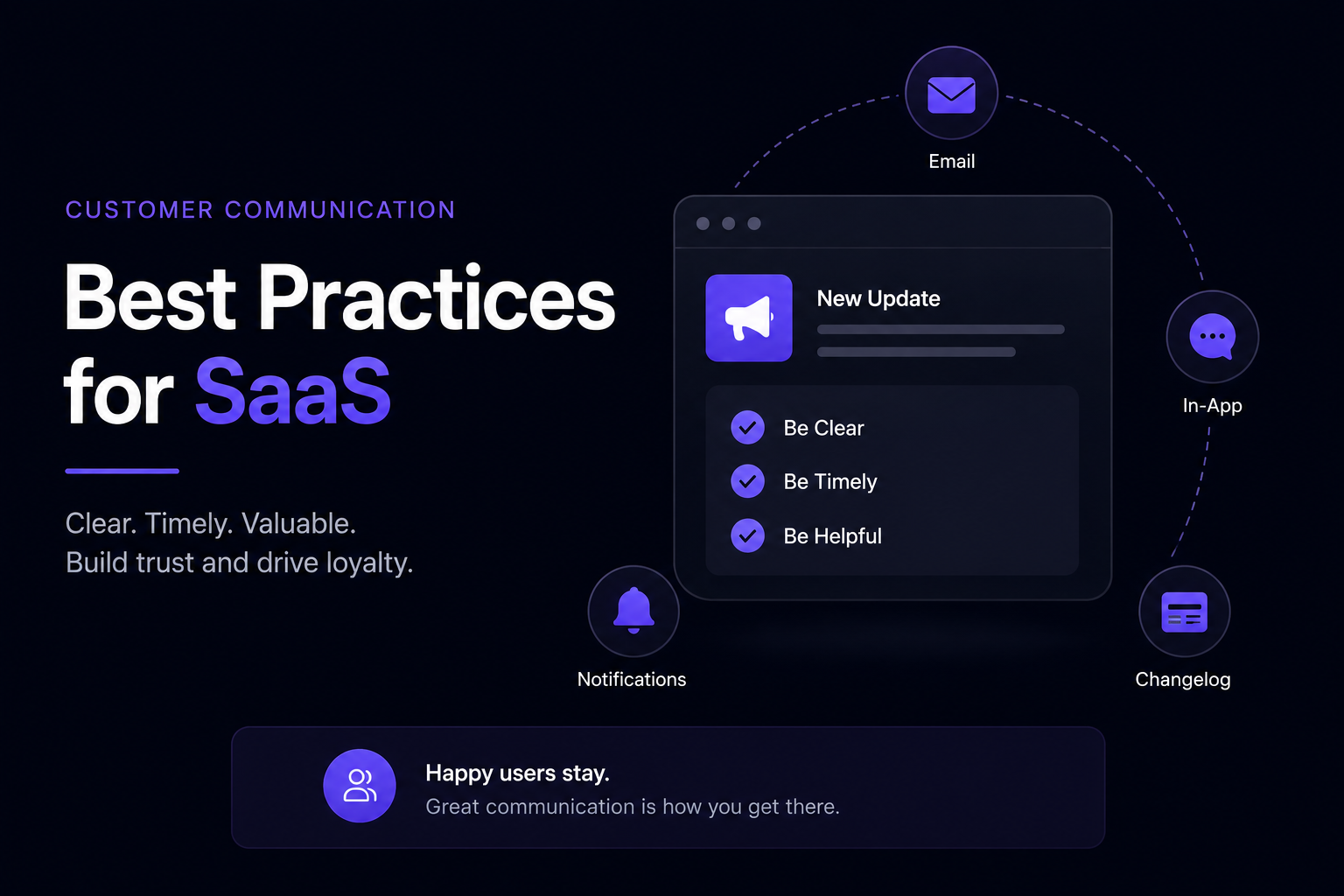
The most effective SaaS companies distribute product updates across multiple channels, with each channel serving a different purpose.
1. Public Changelog
A public changelog should be the central home for all your product updates.
Instead of forcing customers to search through emails or social media, they have one place where they can see everything you've shipped.
A public changelog also offers several additional benefits:
Creates a transparent history of your product
Builds trust with existing and potential customers
Improves SEO by creating indexable content
Makes it easy to share updates with a single link
For most SaaS companies, this should be the first place every product update is published.
2. In-App Changelog Widget
A public changelog is useful, but it relies on users visiting it.
An in-app changelog widget brings updates directly into your product, where customers are already working.
This is one of the best ways to increase feature adoption because users discover new functionality without leaving the application.
In-app widgets work especially well for:
New features
UI improvements
Workflow changes
Important bug fixes
Meeting users where they already are dramatically increases the chances they'll notice your latest release.
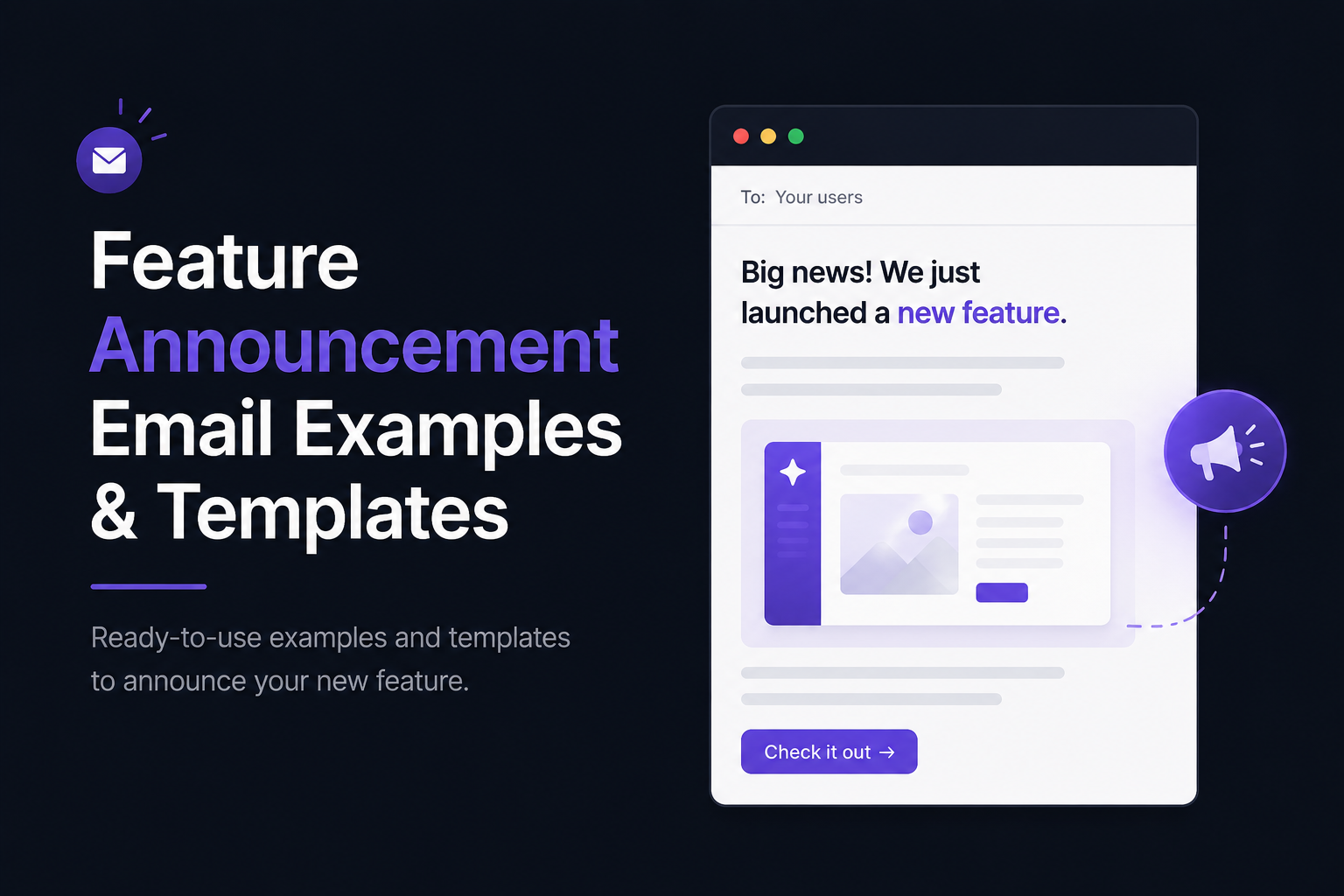
3. Email
Email is still one of the most effective ways to communicate major product updates.
Unlike a changelog, which customers visit when they choose to, an email proactively delivers your announcement to their inbox.
For significant releases, consider including:
A short overview of the update
Why it matters
A screenshot or GIF
A link to the full release notes
Keep the email concise and encourage readers to learn more by visiting your changelog.
4. Blog Posts
Not every update needs a blog post.
However, major features often deserve a deeper explanation than a release note can provide.
A blog post lets you cover topics such as:
The problem you set out to solve
How the feature works
Real-world use cases
Best practices
Frequently asked questions
This approach also creates evergreen content that can attract organic search traffic long after the feature launches.
5. Social Media
Every product update is an opportunity to stay visible.
Instead of posting "We've shipped X," tell the story behind the feature.
Explain:
What problem inspired it
How customers requested it
Why you decided to build it
What impact you expect it to have
Then tailor the content to each platform.
For example:
Share a screenshot on X.
Publish a carousel on LinkedIn.
Record a short demo for YouTube Shorts.
Start a discussion on Reddit or Indie Hackers.
The same update can become several pieces of content without creating extra work.
6. Documentation and Help Center
Some updates require additional guidance.
When introducing a feature that includes new settings, workflows, or integrations, update your documentation alongside your release notes.
Your product update should answer:
What's new?
Why does it matter?
Your documentation should answer:
How do I use it?
Together, they provide a complete customer experience.
Build a Multi-Channel Product Update Workflow
The best SaaS companies don't rely on a single communication channel.
Instead, they publish one update and adapt it for different audiences.
A simple workflow might look like this:
Publish the full announcement in your public changelog.
Show it inside your app with a changelog widget.
Email customers about major releases.
Share highlights on social media.
Write a blog post for significant features.
Update your documentation if needed.
This approach helps you reach customers wherever they prefer to discover product updates.
More importantly, it ensures the work you've already done—building the feature—creates as much value as possible.
One feature.
Multiple channels.
Far more impact.
How to Write Great Product Updates
The best product updates don't simply announce what changed.
They explain why the change matters and encourage customers to try it.
Whether you're introducing a major feature or shipping a small improvement, every update should answer the same four questions:
What's new?
Why does it matter?
How can users get started?
Where can they learn more?
Keeping this framework in mind makes your updates clearer, more useful, and more likely to drive feature adoption.
Start with a Clear Headline
Your headline is the first thing users see.
Avoid generic titles like:
New Update
Version 2.5
Improvements
Instead, describe the value of the update.
For example:
AI Release Notes Are Here
Custom Domains Are Now Available
Export Reports to CSV
Invite Team Members with Roles
A descriptive headline immediately tells readers whether the update is relevant to them.
Explain the Benefit First
Many product updates make the mistake of describing the feature instead of the outcome.
Compare these examples:
❌ We've added API tokens.
✅ You can now create API tokens to securely connect your favorite tools without sharing your account credentials.
The second example helps users understand why they should care.
Whenever possible, focus on the problem you've solved before explaining how you solved it.
Keep It Short and Easy to Scan
Most customers won't read long announcements.
They'll scan them.
Structure your updates so readers can quickly find the important information.
A simple format works well:
A clear headline
A short introduction
One or two paragraphs explaining the benefit
Screenshots or GIFs (if relevant)
A clear call to action
If your announcement takes more than a minute to read, consider moving the detailed explanation into a separate blog post or help article.
Use Visuals
Some features are much easier to understand when users can see them.
Whenever possible, include:
Screenshots
Animated GIFs
Short demo videos
Before-and-after comparisons
Visuals reduce confusion and encourage customers to explore new features immediately.
Write Like a Human
Avoid technical language that only developers will understand.
Instead of:
Refactored the notification service to improve queue processing.
Write:
Notifications are now delivered faster and more reliably.
Customers care about the result—not the implementation.
Simple language almost always performs better.
End with a Clear Next Step
Every product update should tell users what to do next.
For example:
Try the feature today.
Enable it in Settings.
Read the documentation.
Watch the demo.
Share your feedback.
A simple call to action turns passive readers into active users.
A Product Update Template
Here's a framework you can reuse for nearly every announcement.
# [Feature Name]

## What's New

Briefly explain the update.

## Why It Matters

Describe the problem it solves and the benefit for customers.

## How to Get Started

Explain where users can find the feature and how to use it.

## Learn More

Link to your documentation, blog post, or help center if additional guidance is needed.
This format works well because it answers the questions customers naturally have after hearing about a new feature.
Before You Publish
Run through this quick checklist before publishing your next product update:
✅ Is the headline clear and specific?
✅ Have you explained why the update matters?
✅ Is the language simple and customer-focused?
✅ Have you included visuals where helpful?
✅ Is there a clear next step?
✅ Have you linked to documentation if needed?
If you can check every box, your update is ready to publish.
Remember, product updates aren't about documenting your work.
They're about helping customers discover the value you've created.
The easier you make that process, the more likely users are to adopt your new features, stay engaged, and continue choosing your product.
Common Product Update Mistakes
Even great products can have ineffective product updates.
The problem usually isn't the feature itself—it's how it's communicated.
Avoid these common mistakes to make sure your updates inform, engage, and encourage customers to try what's new.
1. Focusing on Features Instead of Benefits
One of the biggest mistakes is describing what you built without explaining why it matters.
For example:
❌ Added custom fields.
That tells users what changed, but not why they should care.
A better version would be:
✅ You can now create custom fields to organize your projects exactly the way your team works.
Always answer the customer's question:
"How does this help me?"
2. Writing Like an Engineer
Your customers don't need to know about database migrations, API refactoring, or infrastructure upgrades.
Instead of explaining the technical work, explain the outcome.
Compare these two examples:
❌ Optimized database indexes for faster query execution.
✅ Pages now load noticeably faster, especially for larger projects.
The implementation matters to your team.
The result matters to your customers.
3. Publishing Updates That Are Too Long
Product updates should be easy to read.
If your announcement feels like a technical specification, most users won't finish it.
Aim for:
A clear headline
A short explanation
Visuals when appropriate
A clear next step
If you need to cover implementation details, create a separate blog post or documentation page and link to it.
4. Not Using Visuals
Many features are much easier to understand with a screenshot or short GIF.
Instead of asking users to imagine a new interface or workflow, show it.
Visuals can dramatically improve feature discovery and reduce confusion.
5. Publishing in Only One Place
A common mistake is publishing a product update on a changelog page and assuming everyone will see it.
In reality, different users discover updates in different ways.
A stronger strategy is to repurpose the same announcement across multiple channels:
Public changelog
In-app widget
Email
Social media
Blog
Documentation
You don't need to create six different pieces of content.
You just need to adapt one announcement for six different audiences.
6. Waiting for "Big" Releases
Many founders only publish updates when they've shipped something major.
That leaves long periods of silence.
Customers don't expect revolutionary features every month.
They appreciate steady progress.
Small improvements like faster performance, better onboarding, new keyboard shortcuts, or quality-of-life enhancements are all worth communicating.
Consistency builds trust.
7. Forgetting to Ask for Feedback
Product updates shouldn't be one-way announcements.
They should start conversations.
End your updates with an invitation such as:
We'd love to hear what you think.
Let us know how this feature fits into your workflow.
Share your feedback—we're always improving.
Customers are more likely to engage when they feel their opinions influence the product.
A Quick Self-Review
Before publishing your next product update, ask yourself:
Does the headline clearly explain what's new?
Have I explained why this update matters?
Is the language simple and customer-focused?
Would a screenshot make this easier to understand?
Have I told users what to do next?
Am I publishing this where my customers will actually see it?
If the answer to each question is yes, you're ready to publish.
The goal isn't to write the longest or most detailed announcement.
It's to make sure every meaningful improvement reaches the people who will benefit from it.
Conclusion
Every SaaS product evolves.
The difference between products that grow quickly and those that struggle isn't just the quality of their features—it's how well they communicate those improvements.
Product updates help customers discover new features, understand the value behind every release, and stay engaged with your product over time. They also give you a consistent source of content for your changelog, email newsletters, blog, and social media, turning every release into a marketing opportunity.
The key is to keep your updates simple and customer-focused.
Before you publish, ask yourself:
What's new?
Why should users care?
How do they get started?
What's the next step?
If you can answer those four questions clearly, you're already ahead of most SaaS companies.
Remember, shipping a feature is only the beginning.
The real impact happens when customers discover it, understand it, and start using it.
Communicate Every Release with Announcify
Announcify makes it easy to keep customers informed about every product update.
With Announcify, you can:
Publish a beautiful public changelog
Embed an in-app changelog widget
Write release notes faster with AI
Automatically create updates from GitHub and Linear
Use your own custom domain to match your brand
Whether you're an indie founder launching your first SaaS or a growing startup shipping updates every week, Announcify helps you turn product updates into clear, engaging communication that keeps customers coming back.
Because great products don't just ship features.
They make sure people discover them.
Ahmed Errami
I'm a full stack developer who is passionate about building products that help people. I'm also the founder of Announcify.
Product Updates
Sep 5, 20268 min read
Best AI Release Notes Generators
Manually writing release notes after every deployment takes time. Here are the best AI release notes generators for turning your development workflow into clear, customer-friendly product updates.
 Ahmed Errami