6 Best Changelog Tools for SaaS in 2026 (Compared) | Announcify
Comparisons3 min read
6 Best Changelog Tools for SaaS in 2026 (Compared)
Jul 13, 2026
Ahmed Errami
Shipping new features is only half the job.
If your users don't know what you've built, they're far less likely to discover, adopt, and appreciate those improvements. That's why a good changelog has become an essential part of every modern SaaS product.
Whether you're a solo founder launching your first startup or a growing product team releasing updates every week, the right changelog tool helps you communicate product updates, publish release notes, and keep users engaged, all without adding extra work to your development process.
The challenge is that there are dozens of tools to choose from.
Some focus purely on changelogs and in-app widgets. Others combine changelogs with feature voting, public roadmaps, customer feedback, or product announcements. The "best" tool depends less on the number of features and more on how your team builds and ships software.
In this guide, we've compared the best changelog tools for SaaS based on the factors that matter most:
Ease of use
Pricing and value for money
Public changelog support
In-app changelog widgets
AI-assisted release notes
GitHub and Linear integrations
Customization and branding
By the end of this article, you'll know which changelog tool is the best fit for your SaaS, whether you need a lightweight solution for a solo project or a more comprehensive platform for a growing product team.
If you're short on time, here are our recommendations based on different needs.
If you need...
Recommended Tool
Why We Picked It
🏆 Best Overall for Most SaaS
Announcify
Lightweight, AI-powered, beautiful UI, GitHub & Linear integrations, and a one-time payment.
🚀 Best for Indie Founders
Announcify
Built specifically for solo founders and small startups that want to ship fast.
💬 Best for Customer Feedback
Featurebase
Combines changelogs, feature requests, roadmaps, and feedback in one platform.
🏢 Best for Enterprise Teams
Beamer
Advanced product communication features for larger organizations.
💰 Best Budget Option
Headway
A simple, affordable changelog tool that's easy to set up.
📢 Best for Product Announcements
Noticeable
A polished platform focused on release notes and announcements.
🗺️ Best for Roadmaps & Feedback
Frill
Great for collecting feature requests while keeping users updated.
Which One Should You Choose?
Here's the short version:
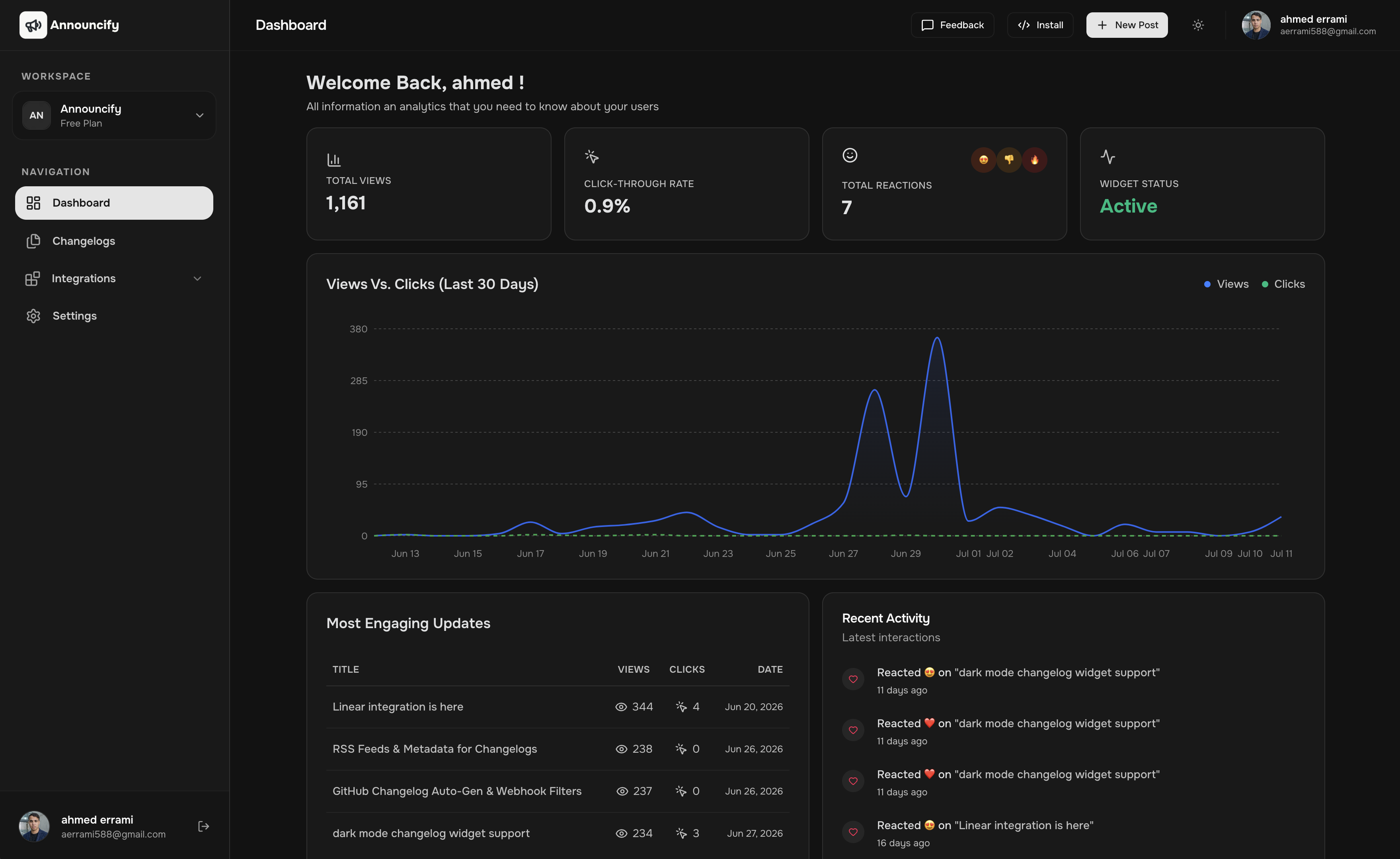
Choose Announcify if you want the fastest way to publish release notes, maintain a public changelog, and notify users with an in-app widget.
Choose Featurebase if customer feedback and feature voting are just as important as your changelog.
Choose Beamer if you're part of a larger product team that needs advanced communication workflows.
Choose Headway if you're looking for an affordable, no-frills changelog solution.
Choose Noticeable if your primary focus is announcing product updates with a clean, polished experience.
Choose Frill if your roadmap is heavily driven by customer feedback.
The good news is that none of these tools are bad choices. They simply solve different problems. The rest of this guide takes a closer look at each one so you can decide which fits your product, your team, and the way you ship software.
Comparison Table
Before diving into the details, here's a side-by-side comparison of the most popular changelog tools for SaaS.
Tool
Best For
Starting Price
Public Changelog
In-App Widget
AI Release Notes
GitHub Integration
Public Roadmap
Feature Voting
Announcify
Indie founders & startups
$129 one-time
✅
✅
✅
✅
❌
❌
Featurebase
Customer feedback
$49/month
✅
✅
❌
✅
✅
✅
Headway
Budget-conscious startups
$29/month
✅
✅
❌
❌
❌
❌
Beamer
Enterprise teams
$49/month
✅
✅
❌
✅
❌
❌
Noticeable
Product announcements
$49/month
✅
✅
❌
✅
❌
❌
Frill
Feedback & roadmaps
$25/month
✅
✅
❌
❌
✅
✅
Note: Pricing and features can change over time. We've done our best to keep this comparison up to date, but we recommend checking each provider's website for the latest plans and feature availability.
The biggest takeaway is this: don't choose the tool with the most features, choose the one you'll actually use consistently. A simple, regularly updated changelog provides far more value than an advanced platform that sits untouched after the initial setup.
The Best Changelog Tools
1. Announcify; Best Overall for Indie Founders ⭐
Best for: Indie hackers, solo founders, startups, and small SaaS teams.
Announcify is built around a simple idea: publishing product updates shouldn't feel like another project.
Instead of packing the platform with enterprise features, it focuses on helping founders ship release notes quickly through a beautiful public changelog and an embeddable in-app widget. It also saves time by generating release notes from your GitHub commits or Linear issues using AI.
One of the biggest differences is pricing. Instead of paying another monthly subscription, you pay $129 once, making it an attractive option for founders who want predictable costs.
Pros
✅ One-time payment
✅ AI-generated release notes
✅ Public changelog
✅ In-app widget
✅ GitHub integration
✅ Linear integration
✅ Clean, modern UI
✅ Fast setup
Cons
❌ No feature voting
❌ No public roadmap
Pricing: $129 one-time
Choose Announcify if...
You want a lightweight, modern changelog tool that helps you publish updates faster without another monthly subscription.
2. Featurebase — Best for Customer Feedback
Best for: SaaS teams that want feedback, feature voting, and changelogs in one place.
Featurebase is much more than a changelog tool. It combines customer feedback, feature requests, public roadmaps, changelogs, and surveys into a single platform.
If collecting customer feedback is a key part of your product strategy, Featurebase is one of the strongest all-in-one solutions available.
Pros
✅ Public changelog
✅ Feature voting
✅ Public roadmap
✅ Feedback boards
✅ Modern UI
✅ Free plan available
Cons
❌ More complex than dedicated changelog tools
❌ Can become expensive as your team grows
Pricing: Starts at $49/month
Choose Featurebase if...
You want to manage customer feedback and product communication from one platform.
3. Headway: Best Budget Option
Best for: Founders who want a simple changelog without unnecessary complexity.
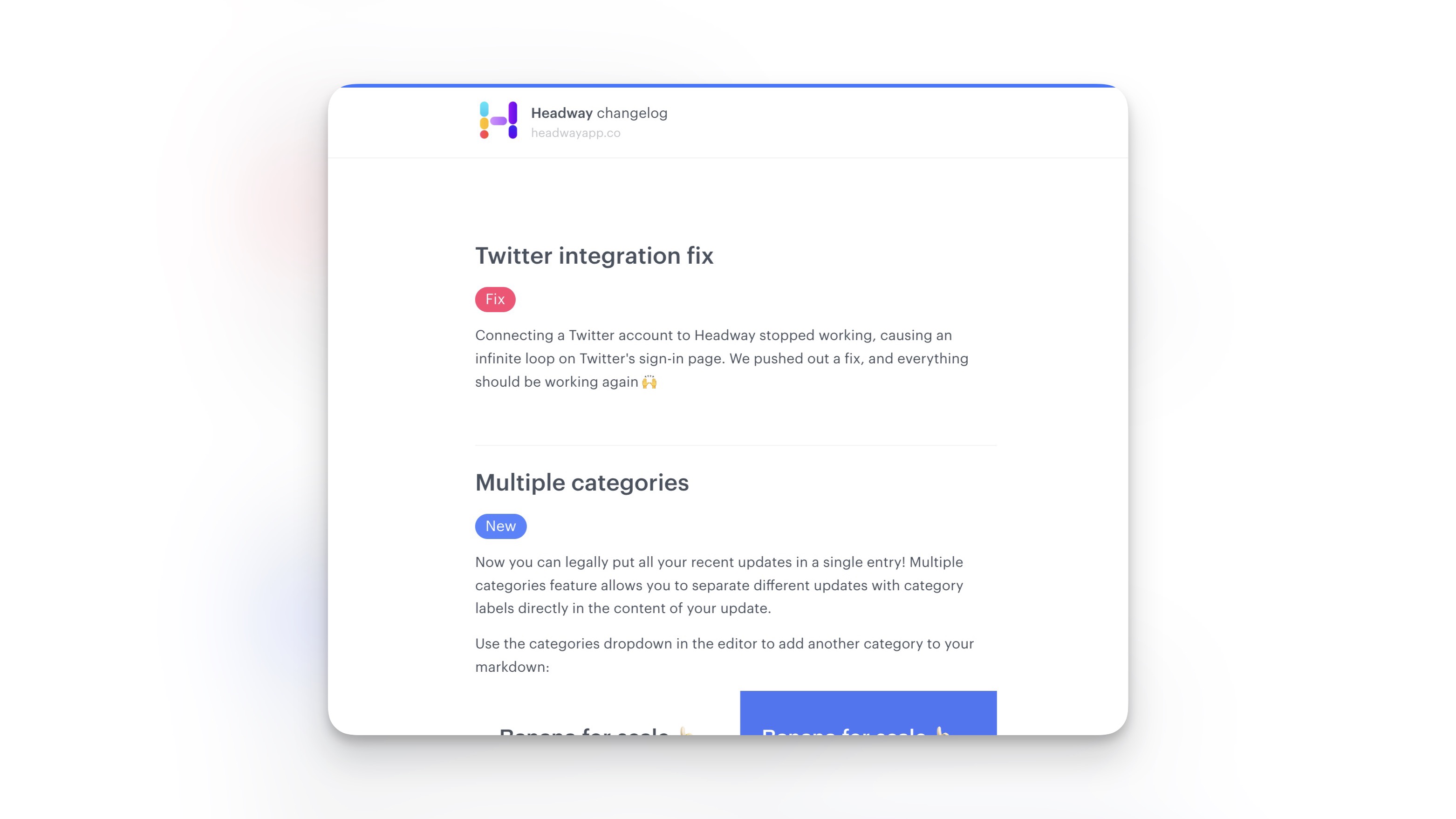
Headway focuses on doing one thing well: helping SaaS companies publish product updates. It offers a hosted changelog, an in-app widget, and enough customization for most startups without becoming overwhelming.
It's a great choice if you want something lightweight and affordable.
Pros
✅ Easy to use
✅ Affordable pricing
✅ Public changelog
✅ In-app widget
✅ Quick setup
Cons
❌ No AI-generated release notes
❌ Limited integrations
❌ No roadmap or feature voting
Pricing: Starts at $29/month
Choose Headway if...
You want an affordable changelog tool with a minimal learning curve.
4. Beamer: Best for Enterprise Teams
Best for: Growing SaaS companies and enterprise product teams.
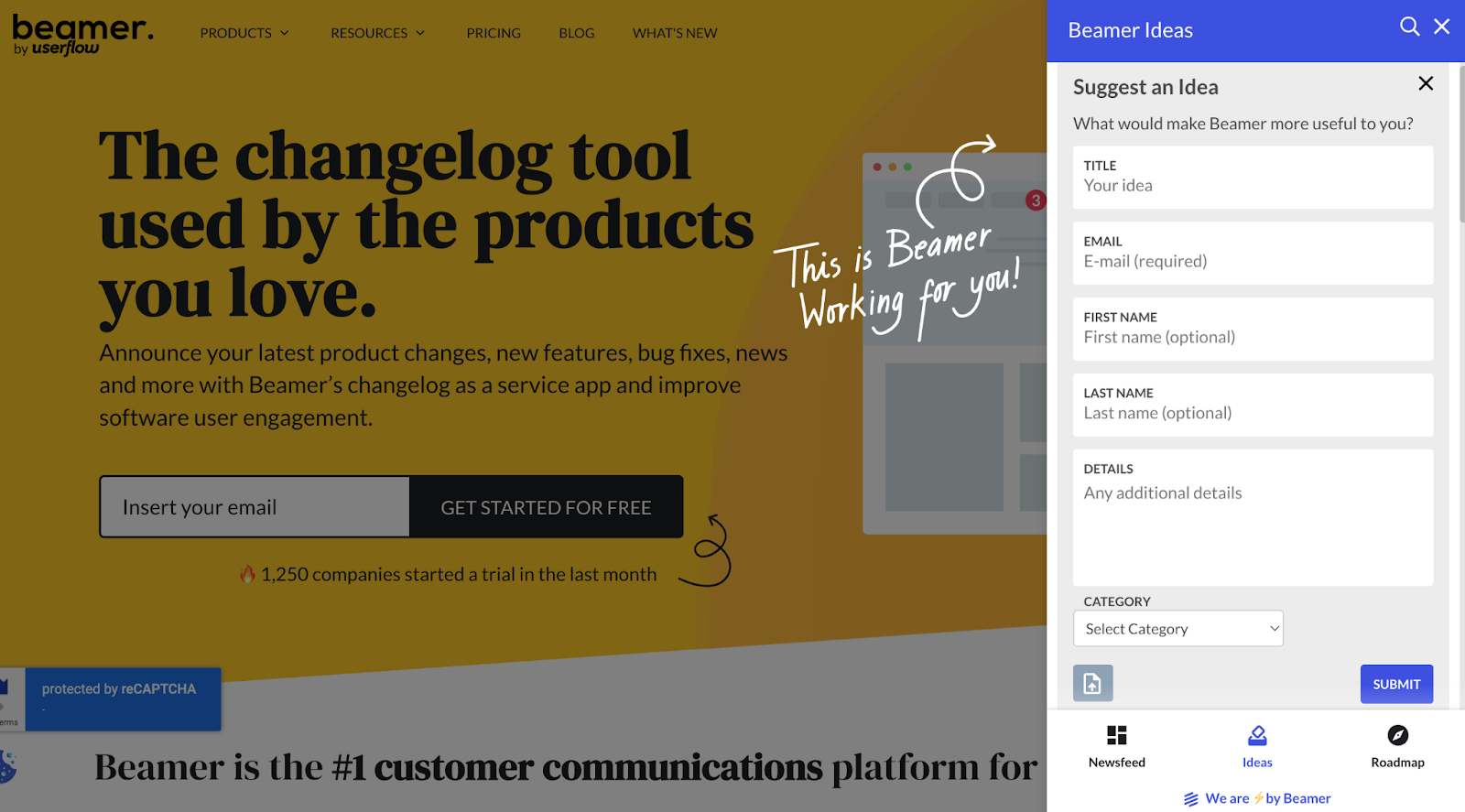
Beamer is one of the most established product announcement platforms in the market. It offers a polished in-app notification center, public changelogs, audience targeting, analytics, and integrations designed for larger organizations.
While it's a powerful platform, many of its features are geared toward teams with more advanced product communication needs.
Pros
✅ Mature platform
✅ Public changelog
✅ In-app notification center
✅ Audience targeting
✅ Good integrations
✅ Advanced analytics
Cons
❌ Monthly subscription
❌ More features than many startups need
❌ Better suited to larger teams
Pricing: Starts at $49/month
Choose Beamer if...
You're managing a growing product team and need enterprise-level product communication features.
5. Noticeable — Best for Product Announcements
Best for: SaaS companies focused on release communication.
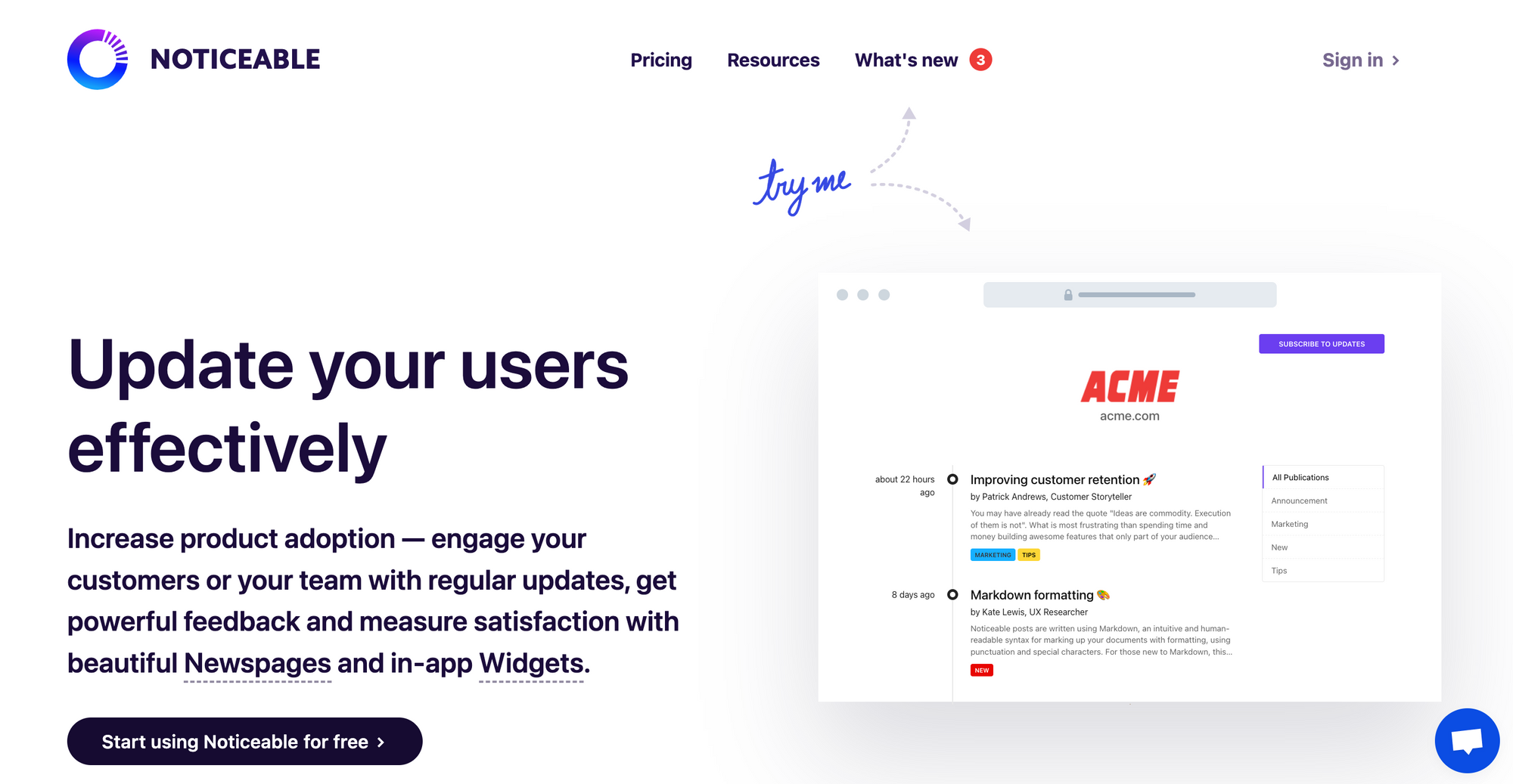
Noticeable keeps product announcements simple. It provides a hosted changelog, announcement widgets, and customization options without trying to become a complete product management platform.
It's a solid middle ground for teams that primarily want to keep users informed.
Pros
✅ Public changelog
✅ In-app widget
✅ Easy to publish announcements
✅ Clean interface
Cons
❌ No public roadmap
❌ No feature voting
❌ Monthly subscription
Pricing: Starts at $49/month
Choose Noticeable if...
Your priority is publishing release notes and product announcements with minimal setup.
6. Frill — Best for Feedback & Roadmaps
Best for: Small SaaS teams that build products based on customer feedback.
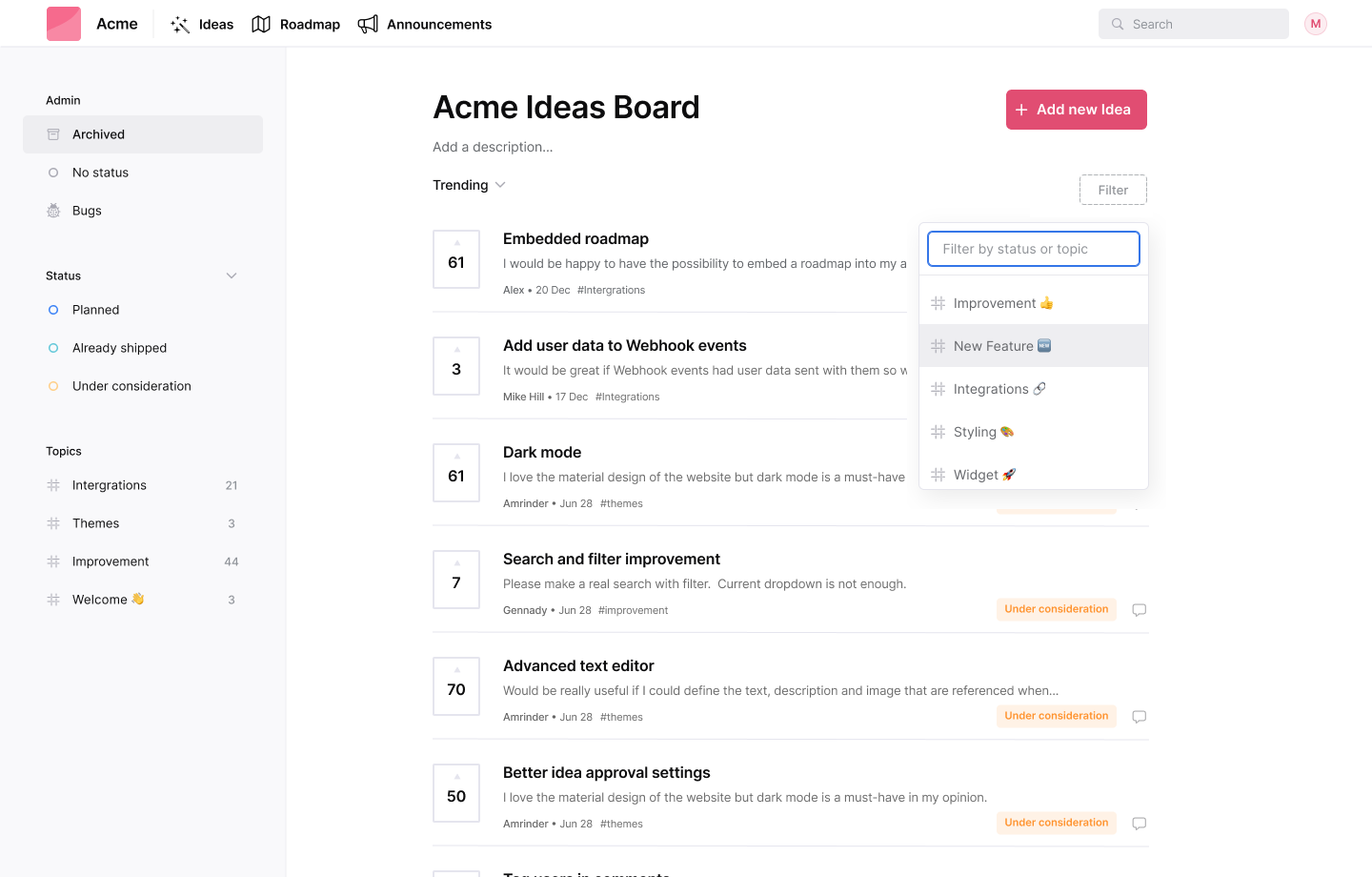
Frill combines customer feedback, feature voting, public roadmaps, and product announcements into one affordable platform.
Rather than focusing solely on changelogs, it helps teams close the feedback loop by letting customers request, vote on, and track upcoming features.
Pros
✅ Feature voting
✅ Public roadmap
✅ Product announcements
✅ Affordable pricing
✅ Unlimited teammates
Cons
❌ No AI-generated release notes
❌ Fewer integrations than some competitors
❌ Interface feels less modern than some alternatives
Pricing: Starts at $25/month
Choose Frill if...
You want to combine customer feedback, roadmaps, and product announcements in one place.
How to Choose the Right Changelog Tool
The best changelog tool isn't the one with the most features—it's the one your team will actually use.
Before choosing a platform, think about how you build your product today. A solo founder shipping features every week has very different needs from a 50-person product team coordinating multiple releases.
Here are the most important factors to consider.
🚀 1. Match the Tool to Your Team Size
Different tools are built for different stages of growth.
Solo founders & indie hackers: Prioritize simplicity, fast setup, and affordable pricing.
Small startups: Look for integrations, collaboration features, and room to grow.
Larger product teams: Consider analytics, audience segmentation, and advanced workflows.
Choosing software designed for your current stage usually leads to a better experience than buying features you may never use.
⚙️ 2. Look for Integrations You Already Use
Your changelog should fit naturally into your existing workflow.
Useful integrations include:
GitHub
Linear
Slack
Zapier
Webhooks
The less manual work required after shipping a feature, the more likely you'll keep your changelog up to date.
🤖 3. Automate Your Release Notes
Writing release notes manually every week gets repetitive.
Modern changelog tools can help automate the process by generating release notes from commits or completed issues, giving you a draft that's ready to edit and publish.
If you ship frequently, this feature alone can save hours every month.
🎨 4. Make Sure the User Experience Matches Your Brand
Your changelog is often the first place customers visit after an update.
Look for a platform that offers:
A clean public changelog
A customizable in-app widget
Mobile-friendly pages
Branding options that match your product
A polished changelog builds trust and encourages users to explore new features.
💰 5. Choose a Pricing Model That Fits Your Business
Some tools charge a monthly subscription, while others offer one-time pricing.
Neither approach is inherently better.
If you're a growing company that values continuous enterprise features, a subscription may make perfect sense.
If you're bootstrapping your SaaS, predictable pricing can help keep recurring costs under control.
Think about the long-term cost—not just the first month's bill.
Conclusion
A great changelog does more than list new features—it helps users discover what's new, increases feature adoption, and shows that your product is actively improving.
The good news is that you don't need a complicated platform to achieve that.
Whether you're an indie founder shipping updates every week or a growing SaaS team coordinating product launches, there's a changelog tool that fits the way you work.
If you want customer feedback and roadmaps, Featurebase and Frill are excellent choices.
If you're building for larger teams with more advanced communication needs, Beamer is a mature and capable platform.
If you're looking for a straightforward, budget-friendly solution, Headway and Noticeable are both worth considering.
And if you're an indie founder or startup looking for a modern changelog tool with AI-generated release notes, GitHub and Linear integrations, an embeddable widget, and one-time pricing, we built Announcify with exactly those needs in mind.
The best changelog tool isn't the one with the longest feature list.
It's the one that fits naturally into your workflow and makes it easy to keep users informed after every release.
Ahmed Errami
I'm a full stack developer who is passionate about building products that help people. I'm also the founder of Announcify.
Product Updates
Sep 5, 20268 min read
Best AI Release Notes Generators
Manually writing release notes after every deployment takes time. Here are the best AI release notes generators for turning your development workflow into clear, customer-friendly product updates.
 Ahmed Errami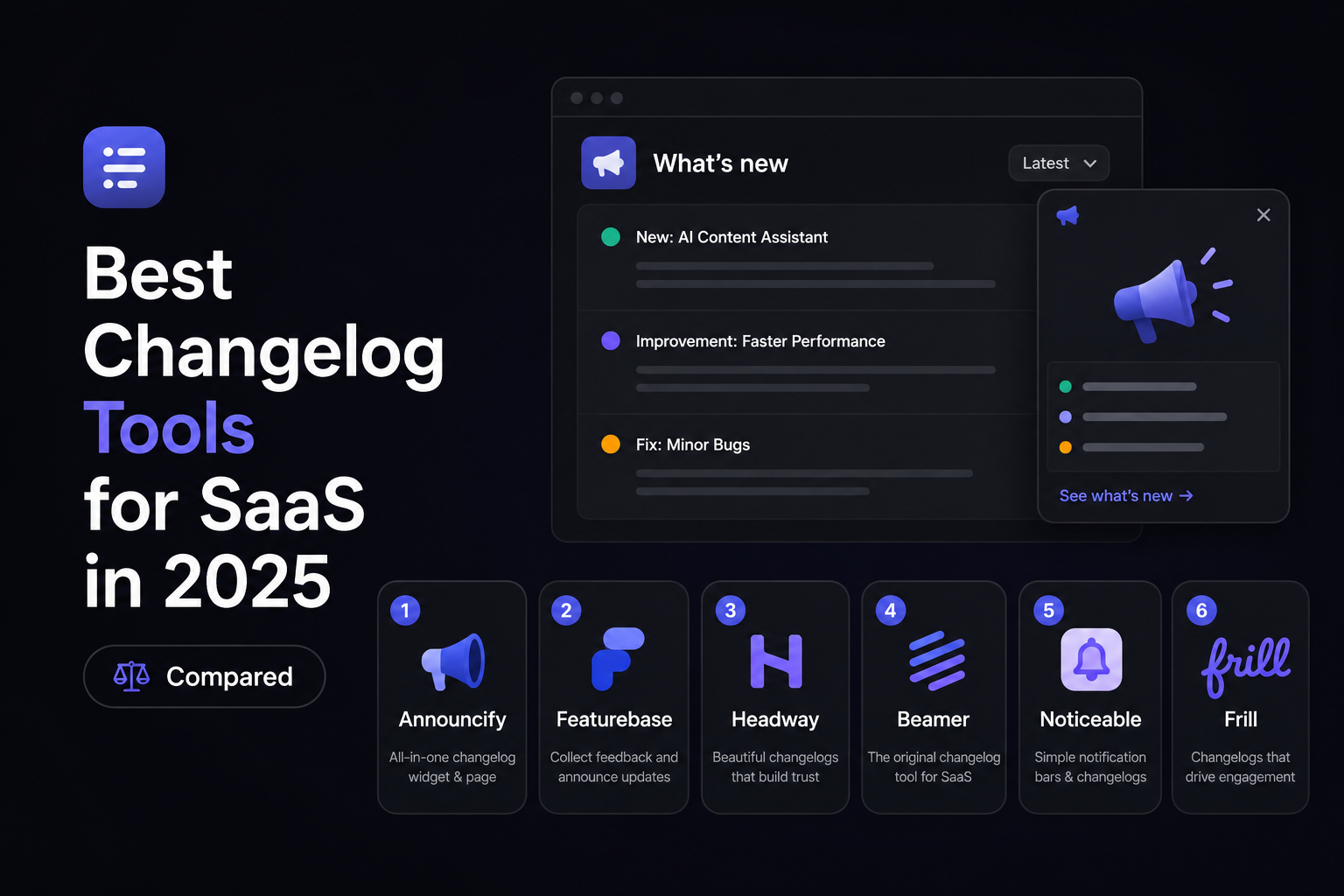

 Best for: Indie hackers, solo founders, startups, and small SaaS teams.
 Best for: SaaS teams that want feedback, feature voting, and changelogs in one place.
 Best for: Founders who want a simple changelog without unnecessary complexity.
 Best for: Growing SaaS companies and enterprise product teams.
 Best for: SaaS companies focused on release communication.
 Best for: Small SaaS teams that build products based on customer feedback.