How to Announce New Features to Your Users (and Actually Get Them to Care)
 Ahmed Errami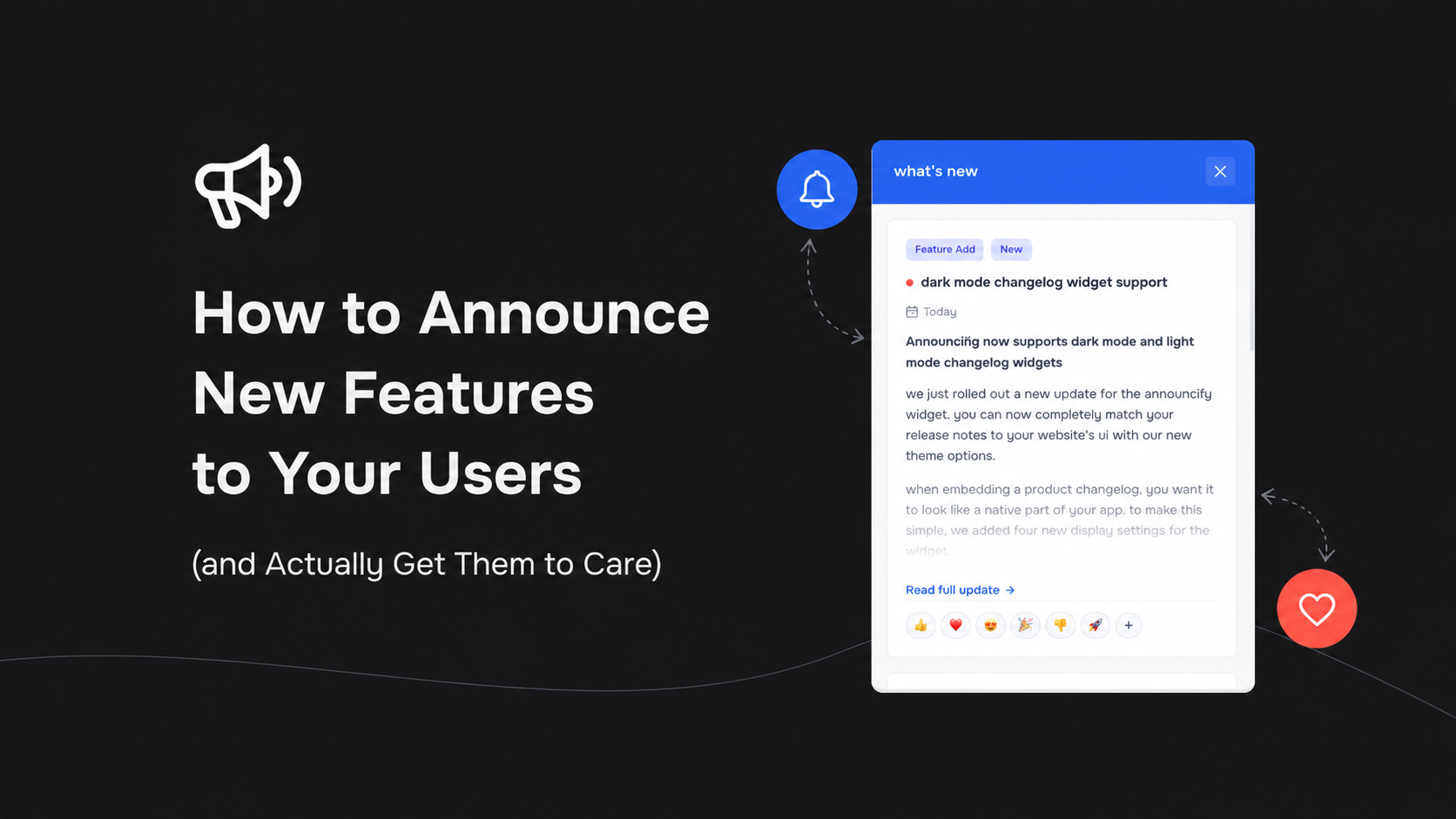
The Crickets Problem
You just spent weeks planning, coding, and debugging a highly requested feature. You finally push the code to production, waiting for the praise to roll in.
Instead, you get crickets. Usage metrics barely move. Nobody is talking about it.
The harsh reality of building SaaS products is that shipping the code is only half the battle. If you do not have a solid plan for how to announce new features, your users will simply ignore them. A strong product launch communication plan ensures your hard work actually gets noticed, drives adoption, and shows your customers that the product is actively evolving.
Here is a breakdown of how to announce new features effectively, from the channels you should use to the exact messaging framework.
1. Choose the Right Channels
Not every update needs an email blast, and not every bug fix needs a social media parade. You need to match the size of the release to the communication channel.
- In-App Changelog: This is your baseline. Every single change, big or small, belongs in an in-app changelog widget. It catches users exactly when they are inside your software and ready to interact.
- Feature Announcement Emails: Save these for major releases that fundamentally change how the product works or add massive value. Use emails to pull inactive users back into the app.
Read more from the blog
Feature Announcement Email Examples & Templates
Learn how to write feature announcement emails that get customers interested in what you've built. Explore practical examples, templates, subject lines, and best practices for announcing new SaaS features.